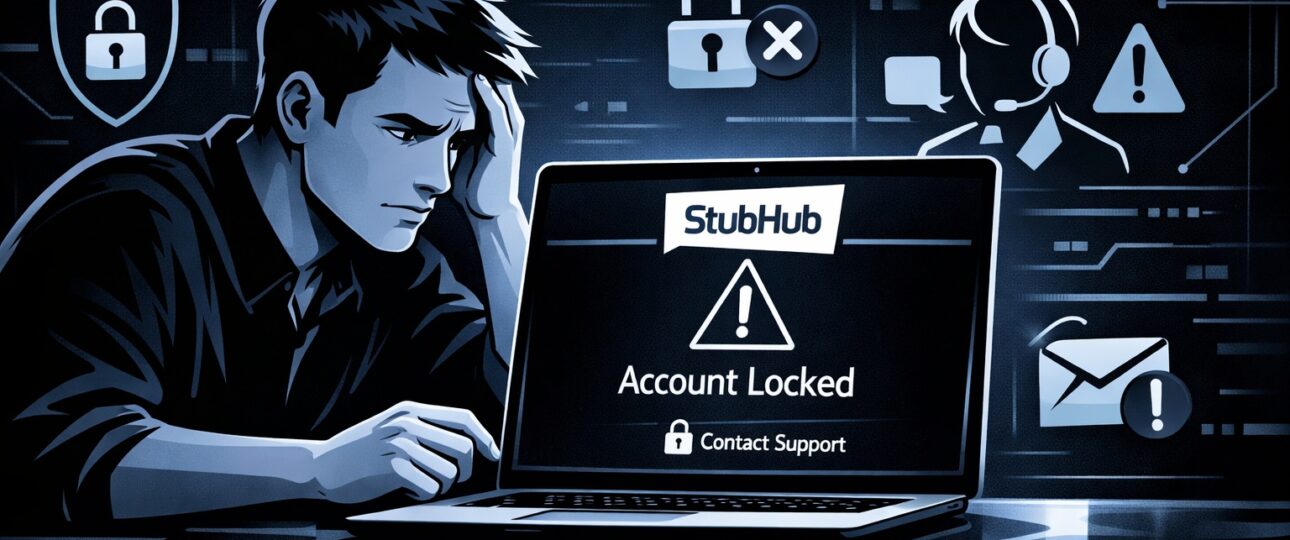
If your StubHub account is locked or suspended. It can instantly derail your plans—whether you are trying to buy last-minute tickets or manage active listings as a seller. In many cases, this happens because account access is temporarily restricted by StubHub’s automated fraud prevention system, especially during high-risk login activity.
The good news? Most StubHub account locks are temporary and fixable if you act quickly and follow the right steps.
This in-depth guide explains why StubHub locks or suspends accounts, how to determine whether your restriction is temporary or permanent, and exactly how to unlock your StubHub account fast—without making mistakes that delay recovery.
What Does “StubHub Account Locked or Suspended” Mean?
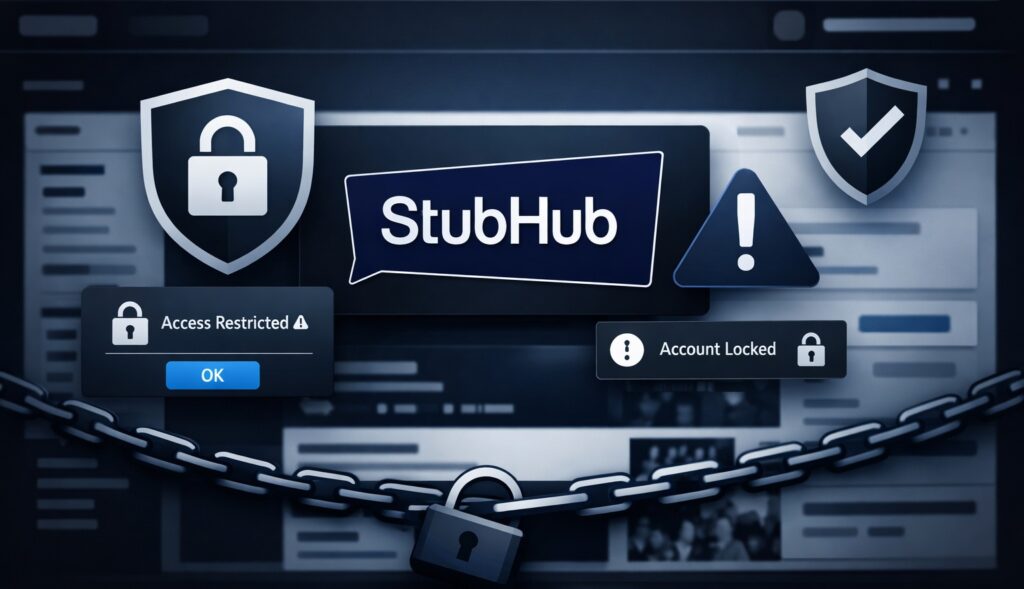
When StubHub locks or suspends an account. It means account access is temporarily restricted to protect users, payments, and marketplace integrity. In many cases, this restriction is placed under a security verification hold until the system confirms the activity is legitimate. The severity of the restriction depends on the trigger.
Common messages users see include:
- “Your account has been temporarily locked”
- “Suspicious activity detected”
- “Account access restricted”
- “Your StubHub account is suspended”
- “Unable to complete login at this time”
These messages may prevent you from:
- Logging in
- Buying or selling tickets
- Accessing payouts
- Updating account details
Understanding why the account was flagged is the key to unlocking it quickly. How to Buy Tickets on StubHub,
Top Reasons StubHub Accounts Get Locked or Suspended
StubHub uses an automated fraud prevention system and compliance checks to detect unusual behavior. Even legitimate users can be flagged when login patterns appear risky or inconsistent.
-
Suspicious or Unusual Login Activity
StubHub may lock your account if it detects:
- Multiple failed login attempts
- Logins from different countries in a short time
- Sudden IP address changes
- Access from unknown devices
This is the most common cause of temporary account locks.
-
VPN, Proxy, or IP Masking Use
Using:
- VPNs
- Proxies
- Corporate or shared networks
You can make your login appear risky. StubHub’s fraud detection may interpret this as account takeover behavior. Which can place the account under a temporary security verification hold until the login source is confirmed. How much are ticket fees on stubhub
-
Payment or Billing Issues
Your account may be restricted if:
- A payment method fails repeatedly
- A chargeback is filed
- Billing details don’t match your profile
- A card is flagged for fraud
This affects both buyers and sellers.
-
Buyer or Seller Policy Violations
StubHub may suspend accounts for:
- Listing invalid or duplicate tickets
- Failing to deliver tickets on time
- Excessive order cancellations
- Repeated buyer complaints
Policy-based suspensions often require manual review.
-
Identity or Verification Problems
If StubHub requests verification and you:
- Skip the request
- Upload unclear documents
- Enter mismatched personal details
Your account may remain locked until verification is completed.
Is Your StubHub Account Temporarily Locked or Permanently Suspended?
Knowing the difference saves time and stress.
| Type | What It Means | Can It Be Fixed? |
| Temporary Lock | Security or login-related issue | Yes (often within 24–72 hours) |
| Temporary Suspension | Policy review in progress | Usually |
| Permanent Suspension | Serious or repeated violations | Rarely reversible |
Most users experience a temporary lock, not a permanent suspension.
How to Unlock a StubHub Account Fast (Step-by-Step)
Follow these steps in order to avoid delays.
Step 1: Check Your Email (Including Spam)
StubHub usually sends an email explaining:
- Why your account was locked
- Whether action is required
- Verification or reset links
Search your inbox for:
- “StubHub security”
- “Account locked”
- “Suspicious activity”
Do not submit multiple tickets before reading this email.
Step 2: Reset Your Password Safely
If login attempts triggered the lock:
- Go to StubHub’s password reset page
- Create a new, strong password
- Avoid reusing old passwords
- Log in from one device only
Do not refresh repeatedly or attempt multiple logins.
Step 3: Disable VPNs and Proxies
Before logging in again:
- Turn off VPNs
- Avoid public Wi-Fi
- Use a trusted home or mobile network
This alone resolves many account locks instantly.
Step 4: Complete Identity or Payment Verification
If prompted:
- Upload clear documents
- Ensure name, email, and payment details match
- Respond within the given time frame
Incomplete verification is a major reason accounts stay locked. how to request a refund on stubhub,
How to Contact StubHub Customer Service (Correct Way)

If self-recovery steps do not unlock your account, contacting StubHub customer service is the next and most effective option. Reaching out the right way helps avoid delays and prevents your case from being pushed back in the queue.
Follow these steps carefully:
- Go to the Help / Contact section on StubHub
- Choose “Account access issue” as the reason for contact
- Clearly explain the situation, including:
- When the account issue first started
- The exact error message you are seeing
- The steps you have already tried (password reset, verification, VPN removal)
When communicating with support, avoid emotional or urgent language. Keep your message short, factual, and well-structured. Clear explanations help StubHub’s support team review your case faster and resolve the account restriction more efficiently.
How Long Does StubHub Take to Unlock an Account?
Typical timelines:
- Security lock: 24–48 hours
- Verification review: 2–5 business days
- Policy suspension: 5–10 business days
Delays usually happen due to:
- Multiple support tickets
- Missing documents
- Repeated login attempts
Patience + accuracy speeds things up.
What to Do If StubHub Support Is Not Responding
If you don’t hear back:
- Check spam folders again
- Reply to the same ticket instead of opening new ones
- Ensure your email domain is not blocking replies
Opening multiple cases can reset your position in the queue.
Common Mistakes That Delay Account Recovery
Avoid these:
- Logging in repeatedly while locked
- Using VPNs “just to check”
- Creating a new StubHub account
- Submitting incomplete verification
- Filing chargebacks while under review
These actions can escalate a temporary lock into a longer suspension.
How to Avoid StubHub Account Lock or Suspension in the Future
Follow these best practices:
- Use one verified payment method
- Avoid VPNs when logging in
- Secure your email account
- Deliver tickets on time
- Keep personal details consistent
- Don’t share account access
Proactive habits reduce risk dramatically.
The Bottom Line
A StubHub account locked or suspended situation is stressful—but rarely permanent. Most issues are automated security flags that resolve quickly when handled correctly.
Stay calm, follow the steps, avoid common mistakes, and let the review process work. Acting strategically—not urgently—is the fastest way to regain access and protect your account long-term.
Frequently Asked Questions (FAQs)
This is part of StubHub’s automated fraud prevention system, and it usually results in account access being temporarily restricted, not permanently suspended.
1. Why is my StubHub account locked without warning?
A StubHub account can be locked without warning because most restrictions are triggered automatically by security systems—not manually by staff. StubHub prioritizes account safety, especially when activity looks unusual or potentially risky.
Common triggers include:
- Multiple failed login attempts in a short time
- Logging in from different locations or countries suddenly
- Using a VPN, proxy, or masked IP address
- Signing in from a new or unrecognized device
- Unusual buying or selling behavior during high-demand events
In these cases, StubHub may temporarily lock the account first and notify you by email later. This delay is normal and does not automatically mean your account is suspended or banned.
2. Can a locked StubHub account be unlocked?
Yes, a locked StubHub account can almost always be unlocked, especially if the restriction is temporary and security-related. Most users regain access once they complete the required steps.
Typically, unlocking involves:
- Resetting your password securely
- Verifying your identity or payment method
- Confirming recent login activity
- Logging in again from a trusted network (without VPN)
In most cases, accounts are restored within 24 to 72 hours after the correct action is taken. Delays usually happen only when verification requests are ignored or incomplete.
3. Is a StubHub suspension permanent?
A StubHub suspension is not always permanent, but it depends on the reason for the restriction. There are two main types of suspensions:
- Temporary suspension:
Usually related to policy reviews, verification issues, or account disputes. These are often reversible once the review is complete.
- Permanent suspension:
Applied only in rare cases involving repeated violations, fraudulent activity, or serious breaches of StubHub’s buyer or seller policies.
Most users experience temporary suspensions, not permanent bans. If your account is under review, responding promptly and accurately improves your chances of restoration.
4. Should I create a new StubHub account if mine is locked?
No, you should not create a new StubHub account if your original account is locked or suspended. Doing so can make the situation worse.
Creating a second account may:
- Violate StubHub’s terms of service
- Trigger additional fraud checks
- Delay or block recovery of your original account
- Lead to a longer or permanent suspension
StubHub’s systems can detect duplicate accounts through email, payment details, IP addresses, and device fingerprints. The safest and fastest solution is always to recover the existing account.
5. Does StubHub lock accounts during big events?
Yes, StubHub is more likely to lock accounts during big or high-traffic events such as concerts, playoffs, or major sports finals.
During these periods:
- Security systems operate at higher sensitivity
- Login behavior is monitored more closely
- Sudden changes in activity are flagged faster
This helps prevent fraud, scalping abuse, and account takeovers. If your account is locked during a major event. It is usually a temporary security measure, not a penalty.
6. How long does it take for StubHub to unlock an account?
The time to unlock a StubHub account depends on the issue:
- Security locks: usually 24–48 hours
- Verification reviews: 2–5 business days
- Policy-related suspensions: up to 7–10 business days
Providing accurate information and avoiding repeated login attempts helps speed up the process.
7. Will StubHub notify me when my account is unlocked?
Yes. StubHub typically sends an email confirmation once your account access is restored. Be sure to:
- Check spam or junk folders
- Whitelist StubHub emails
- Avoid submitting multiple support requests
Missing the confirmation email is a common reason users think their account is still locked.
8. Can using a VPN cause my StubHub account to be locked?
Yes. Using a VPN or proxy is one of the most common reasons StubHub accounts get temporarily locked. VPNs can make your login appear suspicious, especially if the IP location changes frequently.
For best results:
- Turn off VPNs before logging in
- Use a consistent device and network
- Avoid public Wi-Fi during login