
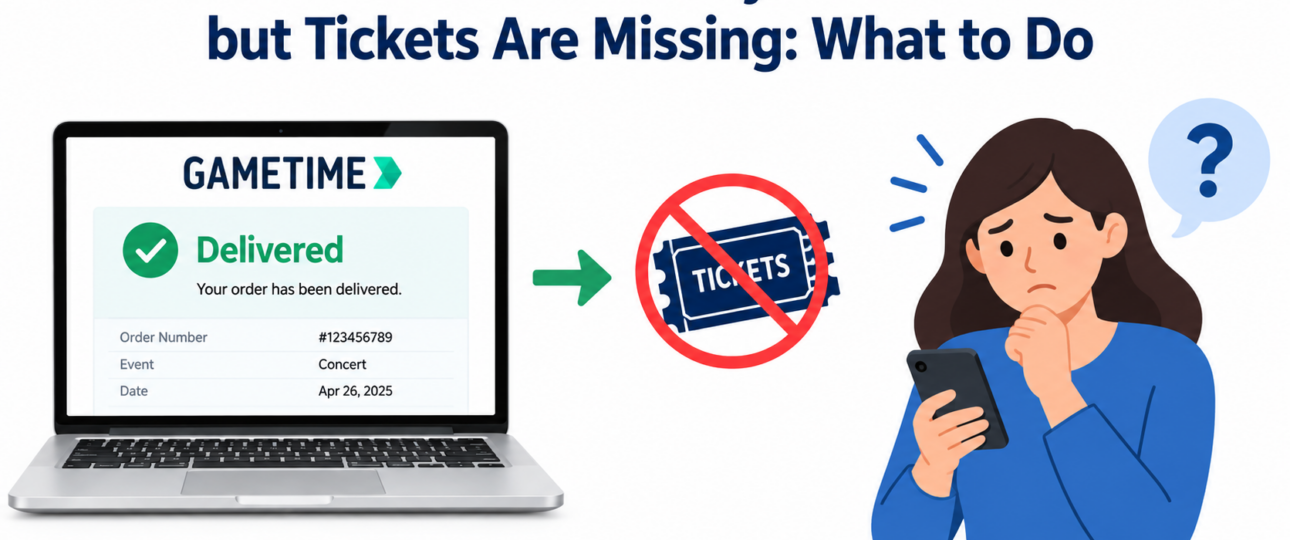
Getting Gametime order says delivered but tickets missing can be frustrating, especially when the event is getting closer and you still cannot access the tickets you paid for. A “delivered” status does not always mean the tickets will appear in the same place you expect. Depending on the delivery method, you may need to check another email account, accept a transfer, or open the tickets through a different ticketing platform.
What does “delivered” mean on Gametime?
A delivered order generally indicates that the ticket delivery process has reached a particular stage. However, there can be a difference between a ticket being sent and a ticket being immediately visible or usable.
For example, some tickets may be delivered electronically through a transfer. In that situation, you may receive instructions by email telling you where to accept or access them. Other tickets may be available through your Gametime account or app.
The first thing to do is check the order details and identify the delivery method. That information can tell you where the tickets should appear and whether you need to complete another step.
Why does Gametime say my tickets were delivered when I can’t see them?
There are several possible reasons for this situation.
- The tickets may have been transferred separately: Some digital tickets require the buyer to accept a transfer before they become accessible. Look through your email for a message containing transfer instructions.
- You may be checking the wrong email account: If you use multiple email addresses, check the address associated with the order. Search your inbox, spam folder, junk folder, and promotions folder for messages related to the event.
- The tickets may be connected to another ticketing platform: A delivery notification may direct you to another service where the tickets can be accepted or viewed.
- The delivery process may not be fully accessible yet: An order status can change while there are still steps remaining before the tickets can be opened.
- You may be signed into a different account: If you have more than one Gametime account or use a different login method, make sure you are viewing the account connected to the purchase.
What should I check first?
Before assuming that your order has failed, go through these checks:
- Open your Gametime order: Review the order information and current delivery status.
- Check the delivery method: Look for instructions explaining where and how the tickets will be provided.
- Search your email: Search for the event name, Gametime, ticket transfer, or the venue.
- Check spam and junk folders: Transfer messages can sometimes be filtered automatically.
- Check other email addresses: If you have multiple accounts, look through each one.
- Look for a transfer request: You may need to accept the tickets before they become available.
- Check the relevant ticketing account: If the instructions mention another platform, sign in there using the appropriate email address.
- Review the order information again: Confirm the event, date, venue, and ticket details.
Taking these steps can often identify where the tickets went without requiring you to repeat the purchase.
What if I still have Gametime missing tickets?
If you have gone through the delivery instructions and still cannot locate the tickets, gather the information connected with your order before contacting Gametime.
Keep your order number, event name, event date, email address, and current order status readily available. Screenshots can also be useful, particularly if the order shows “delivered” but you cannot access the tickets.
Explain exactly what happened rather than simply saying that the tickets are missing. For example, mention whether you received a transfer email, whether you accepted the transfer, whether another ticketing platform was involved, and what happens when you try to open the tickets.
Providing those details can make it easier to determine where the delivery process stopped.
How can I deal with a Gametime delivery problem before the event?
Time matters when your tickets are inaccessible and the event is approaching.
If the event is several days away, you have more time to check your account, email, transfer instructions, and ticketing platform. But if the event is happening today or within a few hours, do not wait until you are standing outside the venue.
Keep a record of your order status and any messages you receive. If you contact Gametime, provide the order number and explain that the order is marked as delivered even though you cannot access the tickets.
Also avoid purchasing replacement tickets immediately unless you have considered the possibility that the original tickets may still become accessible. Buying another set could leave you with an unnecessary additional expense.
What if the event starts soon and I still don’t have my tickets?
If the event is about to begin, work through the delivery instructions one more time and check the email account associated with the order.
Look for a transfer request or a link that takes you to the tickets. If another ticketing platform is mentioned, make sure you are using the correct account there.
If nothing works, contact Gametime as soon as possible and provide the complete order information. Tell them how soon the event begins and explain what you have already checked.
Take screenshots of the order status and any error messages you encounter. These records can help demonstrate what you are seeing and provide a clear timeline of the problem.
Do not rely solely on an email notification saying the tickets were delivered. What matters is whether you can actually access the tickets needed to enter the event.
Can I get a refund if my tickets never arrive?
That depends on the circumstances surrounding the order and the applicable Gametime policies.
A ticket that cannot be accessed may be treated differently depending on the delivery method, event, order status, and reason the tickets were unavailable. Therefore, you should not assume that a refund or replacement is automatically guaranteed.
If you cannot access your tickets, keep your order information and records of the problem. When contacting Gametime, explain the situation clearly and ask what options are available for your particular order.
If the event has already started or passed, provide the relevant timing and explain whether you were ultimately able to enter the venue.
The Bottom Line
When Gametime order says delivered but tickets missing, the problem may be related to the delivery method rather than the purchase itself. Start by checking the order details, delivery instructions, email accounts, spam folders, and any separate ticketing platform mentioned in the transfer information.
If the tickets remain inaccessible, especially when the event is approaching, gather your order number and screenshots and contact Gametime promptly. Acting early gives you more time to identify what happened and determine what options are available for your order.
Frequently Asked Questions
Why does my Gametime order say delivered when I don’t have my tickets?
A delivered status does not necessarily mean the tickets will appear directly in the place you are checking. The tickets may have been transferred through another platform, sent to a different email address, or require an additional acceptance step. Check the order’s delivery instructions and associated email account first.
Where can I find my Gametime tickets after they are marked delivered?
Start with the order details and check the stated delivery method. Then review the email address connected to the purchase, including spam and junk folders. If the instructions mention another ticketing platform, check that account as well.
What should I do if my Gametime tickets are missing?
Review the order details, delivery instructions, email accounts, and any transfer messages. If you still cannot access the tickets, contact Gametime with your order number, event details, and screenshots showing the delivery status.
Can Gametime tickets be transferred through another platform?
Some digital ticket deliveries can involve a separate ticketing platform or transfer process. The exact method depends on the particular order. Check the delivery instructions associated with your purchase rather than assuming the tickets will appear directly inside your Gametime account.
What should I do if my event is starting soon and I still don’t have my tickets?
Check the delivery instructions and transfer emails immediately, then contact Gametime if the tickets remain inaccessible. Provide your order number and explain how soon the event begins. Keep screenshots of the order status and any messages you received.
Can I get my money back if my Gametime tickets were never delivered?
Refund eligibility depends on the circumstances of the order and the applicable policies. A refund should not be assumed automatically. Keep your order records and explain exactly what happened when contacting Gametime about the unavailable tickets.
