If you are stuck because Ticketmaster password reset not working, you are not alone. This is one of the most commonly reported account issues on Ticketmaster, especially during high-traffic events, ticket drops, or after multiple login attempts.
Users often report problems like not receiving the password reset email, reset links expiring instantly, CAPTCHA failures, or the reset page not loading at all. In many cases, the issue is not your password—it’s a technical or security-related block on the account.
This guide explains why Ticketmaster password reset is not working, how to fix it step by step, and what to do if none of the self-troubleshooting methods work.
Quick Answer:
Ticketmaster password reset usually fails due to expired links, repeated reset attempts, VPN usage, or browser cache issues. Using the latest reset email, disabling VPNs, and resetting via the website resolves most cases.
Why Ticketmaster Password Reset Is Not Working
Before applying fixes, it’s important to understand what causes the problem. Ticketmaster uses strict security systems to prevent bot activity and unauthorized access, which can sometimes block legitimate users.
Here are the most common reasons the Ticketmaster password reset does not work:
- High login attempts triggering account security flags
- Reset email blocked by spam filters
- Expired or invalid reset links
- Browser cache or cookie conflicts
- CAPTCHA verification failure
- VPN, proxy, or IP restrictions
- Temporary server issues on Ticketmaster’s side
- App-related glitches vs website issues
Understanding the cause helps you apply the correct fix instead of repeating the same failed attempts.
Quick Fix Checklist (Try This First)
Before moving into detailed steps, try these quick fixes, which resolve the issue in many cases:
- Wait 15–30 minutes before requesting another reset
- Check Spam, Promotions, and All Mail folders
- Turn off VPN, proxy, or ad blockers
- Use a different browser or private/incognito mode
- Clear browser cache and cookies
- Request the reset from the official Ticketmaster website, not bookmarks
- Avoid multiple reset attempts in a short time
If the password reset is still not working, continue with the detailed fixes below.
Step-by-Step Fixes for Ticketmaster Password Reset Not Working
Password Reset Email Not Received
One of the most reported issues is that the Ticketmaster password reset email never arrives.
What causes this:
- Email provider blocking automated emails
- Typo in registered email address
- Ticketmaster email delays during high traffic
How to fix it:
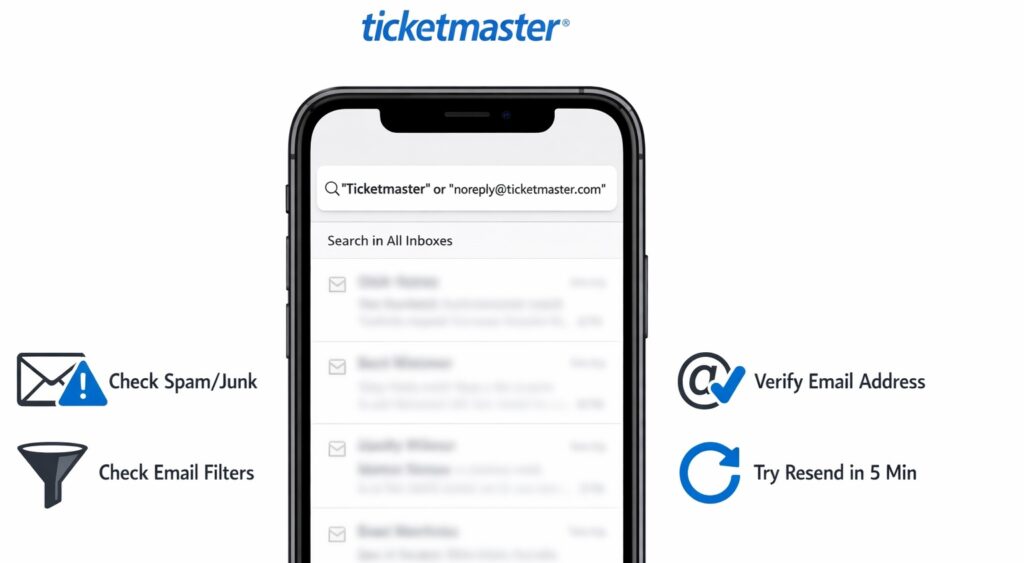
- Search your inbox for “Ticketmaster”
- Check Spam, Junk, Promotions, and Updates folders
- Add @ticketmaster.com to your email whitelist
- Wait at least 10 minutes before retrying
- Request only one reset email at a time
Avoid clicking “Resend” repeatedly—this can temporarily block further emails. You can try contacting at official Ticketmaster phone number to resolve your issues.
Reset Link Is Expired or Invalid
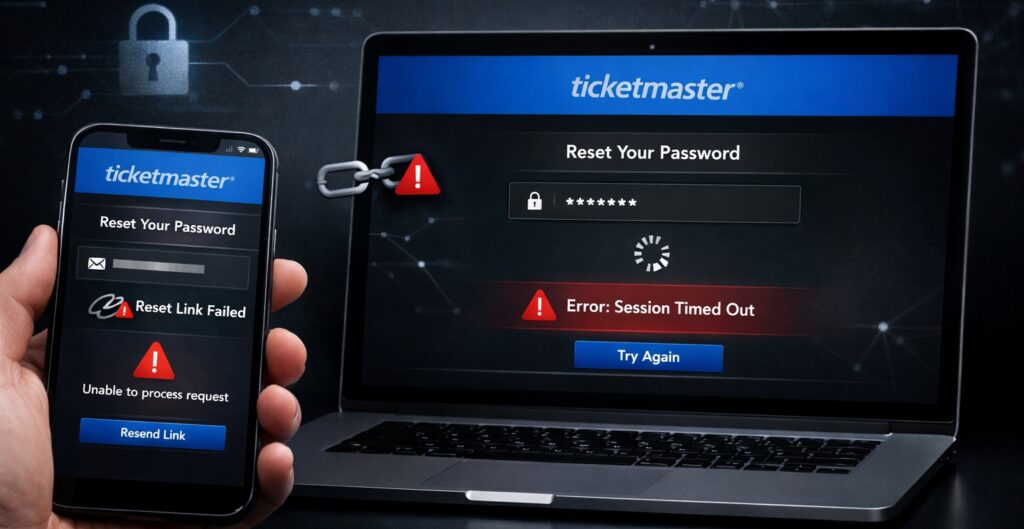
If you click the link and see an error like “This link has expired”, the reset process won’t continue.
Why this happens:
- Reset links expire quickly for security reasons
- Multiple reset requests invalidate older links
- Opening the link on a different device than requested
Fix:
- Request a fresh password reset
- Use the latest email only
- Open the link in the same browser where it was requested
- Complete the reset within a few minutes
Do not bookmark or reuse old reset links.
Ticketmaster Password Reset Page Not Loading

Some users report that the password reset page loads endlessly or displays a blank screen.
Common causes:
- Browser cache conflict
- JavaScript blocked
- Outdated browser
Fix steps:
- Clear cache and cookies
- Disable ad blockers temporarily
- Update your browser
- Try another browser (Chrome ↔ Edge ↔ Safari)
- Use incognito/private mode
This resolves most loading-related reset failures.
CAPTCHA or Verification Failure
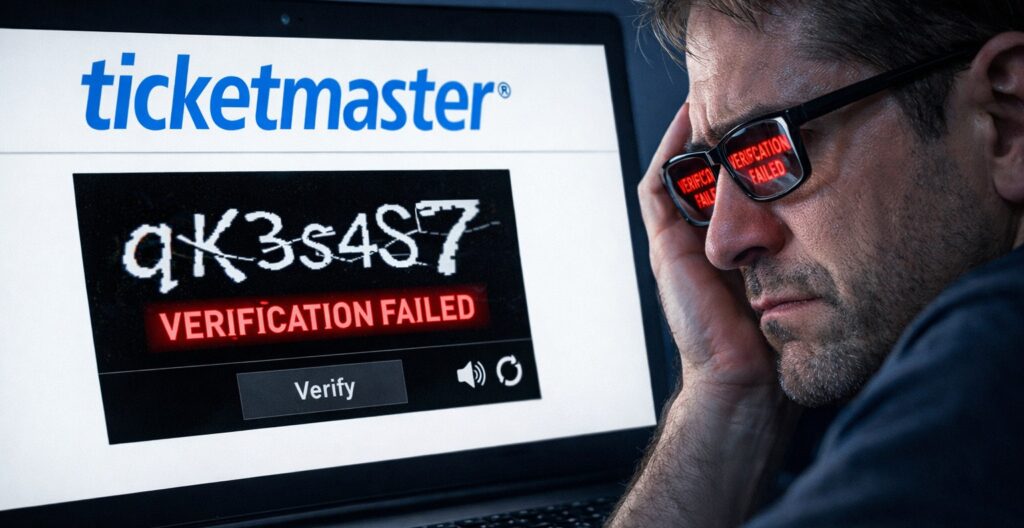
Ticketmaster uses CAPTCHA to prevent bots. Sometimes it fails even for real users.
Why CAPTCHA fails:
- VPN or proxy enabled
- Browser extensions interfering
- IP reputation issues
Fix:
- Turn off VPN and proxy services
- Disable browser extensions temporarily
- Switch to mobile data instead of Wi-Fi
- Try from another device
Once CAPTCHA verification succeeds, the reset process usually works.
Password Reset Not Working on App but Works on Website
The Ticketmaster app may lag behind website updates or have cached errors.
Fix:
- Do not reset password from the app
- Open Ticketmaster in a mobile or desktop browser
- Complete the reset on the website
- Log in to the app after resetting
If needed, update or reinstall the app after resetting your password.
Account Temporarily Locked or Flagged
If Ticketmaster detects unusual activity, it may lock the account, preventing password resets.
Signs your account is locked:
- Error messages during reset
- No reset email even after waiting
- Login blocked across devices
What to do:
- Stop all login attempts
- Wait 24 hours
- Avoid password reset attempts during this time
If the lock persists, contact Ticketmaster support (explained below).
Device & Browser-Specific Fixes
Google Chrome
- Clear cookies for Ticketmaster only
- Disable extensions
- Update Chrome to latest version
Microsoft Edge
- Turn off tracking prevention temporarily
- Clear site data
- Use InPrivate window
Safari (Mac / iPhone)
- Enable cookies
- Disable content blockers
- Use private browsing mode
Android Devices
- Switch browsers
- Clear browser app cache
- Avoid in-app reset
iPhone
- Use Safari private tab
- Disable iCloud Private Relay temporarily
How Long Does Ticketmaster Password Reset Take?
Under normal conditions, a Ticketmaster password reset takes 2–10 minutes.
However, delays can occur due to:
- High traffic during popular ticket sales
- Email provider delays
- Account security checks
If you do not receive the reset email within 30 minutes, avoid repeated attempts and move to advanced troubleshooting.
When to Contact Ticketmaster Support
If Ticketmaster password reset is not working after trying all fixes, support intervention may be required.
Contact support if:
- Reset emails never arrive after 24 hours
- Your account appears locked
- You receive repeated security errors
- Reset fails across multiple devices
Before contacting support, keep ready:
- Registered email address
- Approximate last login time
- Error messages (if any)
- Screenshots (optional)
This speeds up account verification and resolution.
Preventing Password Reset Issues in the Future
To avoid facing this issue again:
- Use a strong, unique password
- Enable two-step verification if available
- Avoid VPNs when logging in
- Do not attempt repeated logins rapidly
- Keep your email inbox accessible
- Update your browser and app regularly
Preventive steps reduce the chance of security flags and reset failures.
The Bottom Line
When Ticketmaster password reset not working, the issue is usually tied to security systems, email delivery problems, or browser conflicts—not your account permanently failing. Ticketmaster Purchase Failed but Amount Debited,
By following the structured steps above, most users can regain access without contacting support. If the issue persists, allowing time and reaching out to Ticketmaster with the right information ensures a faster resolution. Avoid repeated reset attempts, stay patient, and use secure browsing practices for the best results.
Frequently Asked Questions (FAQ)
Why is Ticketmaster password reset not working even after the email arrives?
If the Ticketmaster password reset is not working even after you receive the email, the most common reason is that the reset link has expired or become invalid. Ticketmaster reset links are time-sensitive and automatically deactivate once a new reset request is made.
This means if you click an older email after requesting another reset, the link will no longer work. Security systems may also invalidate links if they detect multiple reset attempts, unusual login behavior, or IP changes.
How many times can I request a Ticketmaster password reset?
There is no publicly stated limit, but requesting multiple password resets in quick succession can trigger a temporary security block. Ticketmaster’s systems may interpret repeated reset attempts as suspicious activity and pause further requests.
If you request resets too frequently, you may stop receiving emails or see error messages when trying to reset your password. Spacing out reset attempts helps prevent account restrictions.
Can I reset my Ticketmaster password without email access?
No. Ticketmaster password reset requires access to the registered email address. The reset link is sent only to the email associated with your account, and there is no alternative method to reset your password without email verification.
If you no longer have access to the registered email, you will need to contact Ticketmaster support to verify your identity and update your account details.
Important note:
- Ticketmaster does not reset passwords via phone or chat without email verification
- Support may request identity confirmation before making changes
Maintaining access to your registered email is essential for account recovery.
Does Ticketmaster block VPN users during password reset?
Yes. Ticketmaster may block or restrict password resets when a VPN, proxy, or anonymous IP address is detected. These tools are commonly associated with automated traffic, and Ticketmaster’s security systems often prevent account actions from such connections.
Using a VPN can cause:
- CAPTCHA failures
- Reset links not working
- Reset emails not being triggered
Recommended fix:
- Turn off VPN or proxy services
- Use a trusted home or mobile network
- Try resetting the password again after disconnecting
Disabling VPN access significantly improves reset success.
Is Ticketmaster password reset down today?
Occasionally, Ticketmaster password reset may be temporarily unavailable, especially during high-traffic periods such as major ticket releases or popular event sales. During these times, reset emails may be delayed, pages may load slowly, or requests may fail.
What to do if reset seems down:
- Wait 30–60 minutes before retrying
- Avoid repeated reset attempts
- Try again during off-peak hours
In most cases, the issue resolves automatically once system traffic normalizes.
Should I reset my Ticketmaster password from the app or the website?
For the best results, always reset your Ticketmaster password using the official website rather than the mobile app. The website is more stable, updates faster, and is less affected by cached app data or version issues.
The mobile app may:
- Fail to load the reset page
- Display outdated errors
- Cache previous login problems
Best approach:
- Open Ticketmaster in a web browser
- Complete the password reset
- Log in to the app after the reset is successful
Using the website ensures a smoother and more reliable reset process.