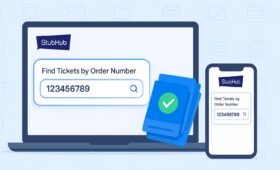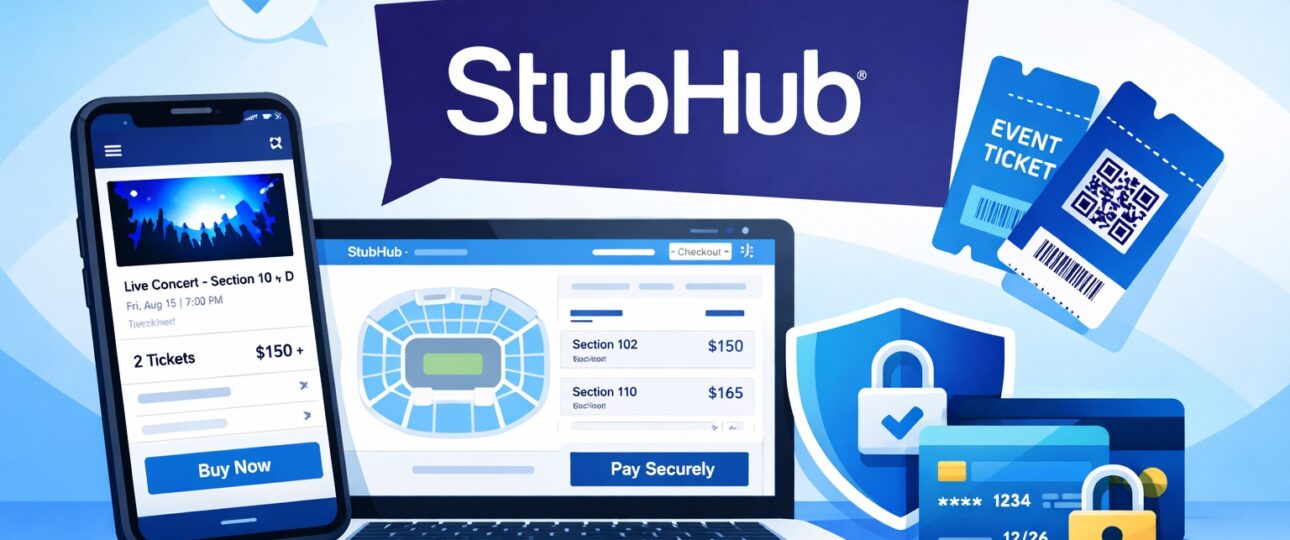
Buying tickets online can feel overwhelming, especially when events sell out quickly or when tickets are only available on resale platforms. StubHub is one of the most widely used ticket marketplaces in the world, connecting buyers with sellers for concerts, sports, theater, and live entertainment events. How to Buy Tickets on StubHub
This step-by-step guide explains how to buy tickets on StubHub safely, from searching events to receiving tickets. It is written for first-time buyers as well as returning users who want clarity on listings, fees, checkout, ticket delivery, and buyer protection.
By the end of this article, you will understand how StubHub works, how to complete a purchase confidently, and what to expect before and after checkout.
Who This Guide Is For
This guide is written for first-time StubHub buyers, occasional ticket purchasers, and users who want a clear explanation of how the StubHub buying process works before committing to checkout. It focuses on what buyers see on-screen, what each step means, and what to expect after payment—using only StubHub’s official purchase flow.
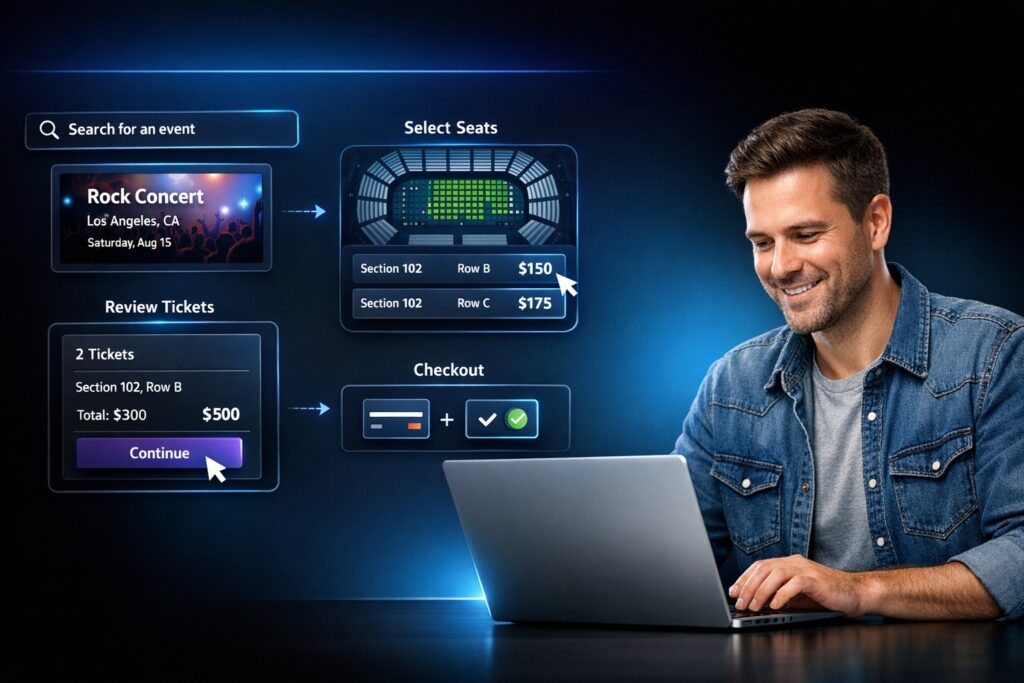
How Buying Tickets on StubHub Works at a Glance
| Step | What You Do | What Happens |
| Search | Enter an artist, team, or event | Matching events appear |
| Select | Choose tickets | Seat location and price details are shown |
| Checkout | Enter payment details | Fees and total cost are displayed |
| Delivery | Wait for tickets | Tickets are delivered by the shown date |
What Is StubHub and How Ticket Buying Works
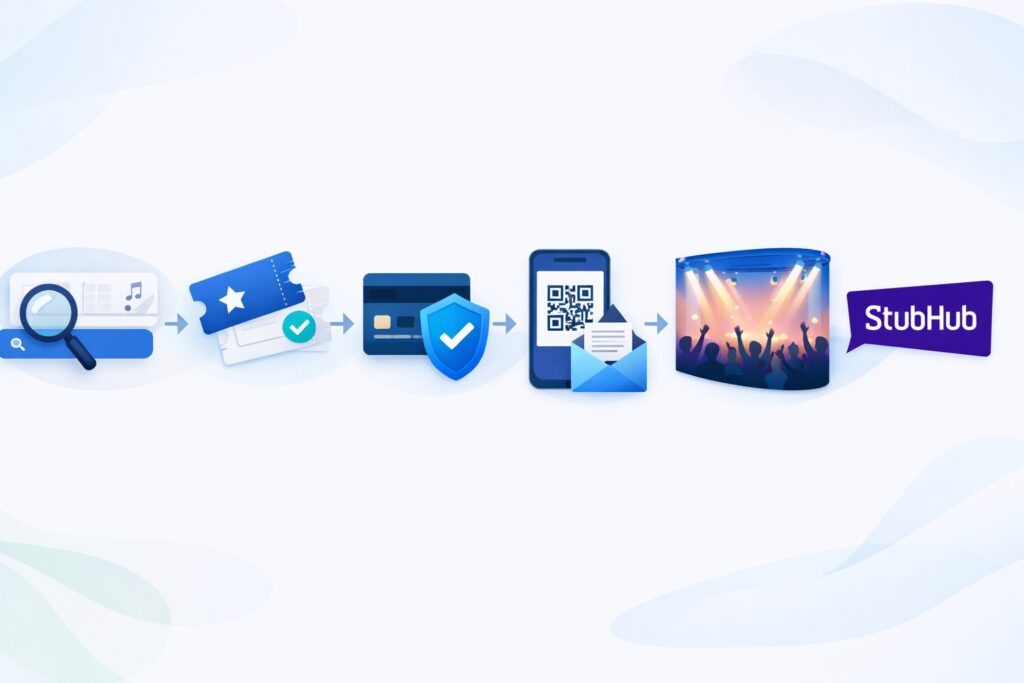
StubHub is an online ticket marketplace where tickets are listed by sellers and purchased by buyers. Unlike a primary ticketing site that sells tickets directly from an event organizer, StubHub acts as a platform that facilitates transactions between individuals or professional sellers.
When you buy tickets on StubHub:
- You are purchasing tickets listed by a seller
- StubHub processes the payment
- The seller delivers the tickets to you
- StubHub provides buyer protection through its official guarantee
This model allows buyers to access tickets even when events are sold out elsewhere. While maintaining structured rules for pricing, delivery, and support.
Is StubHub Legit and Safe for Buyers?

StubHub is a well-established ticket marketplace designed to provide a secure buying experience. One of the key reasons buyers trust the platform is its FanProtect Guarantee, which applies to every ticket purchase made through the website.
Under this guarantee:
- Tickets are guaranteed to be valid for entry
- Orders are protected if tickets are not delivered as promised
- Buyers receive support if an issue arises with their purchase
The checkout process, payment handling, and ticket delivery are managed through StubHub’s systems, reducing direct risk between buyers and sellers.
Creating a StubHub Account (Optional vs Guest Checkout)

Before buying tickets, you can choose between:
- Creating a StubHub account
- Checking out as a guest
Creating an Account
An account allows you to:
- Track current and past orders
- Access tickets more easily
- Manage delivery details in one place
Account creation typically requires:
- An email address
- A password
- Basic contact information
Guest Checkout
StubHub also allows guest checkout for many purchases. You will still need to provide:
- A valid email address
- Payment details
- Delivery information
Even with guest checkout, StubHub sends order confirmations and ticket delivery updates by email.
How to Search for Events on StubHub

The buying process begins with finding your event.
Step 1: Use the Search Bar
At the top of the StubHub homepage, enter:
- Artist name
- Sports team
- Event name
- Venue or city
StubHub’s search function displays matching events as you type.
Step 2: Browse by Category
You can also browse events by category, such as:
- Concerts
- Sports
- Theater
- Live entertainment
Each event listing includes the event date, venue, and available ticket options.
Understanding Ticket Listings on StubHub
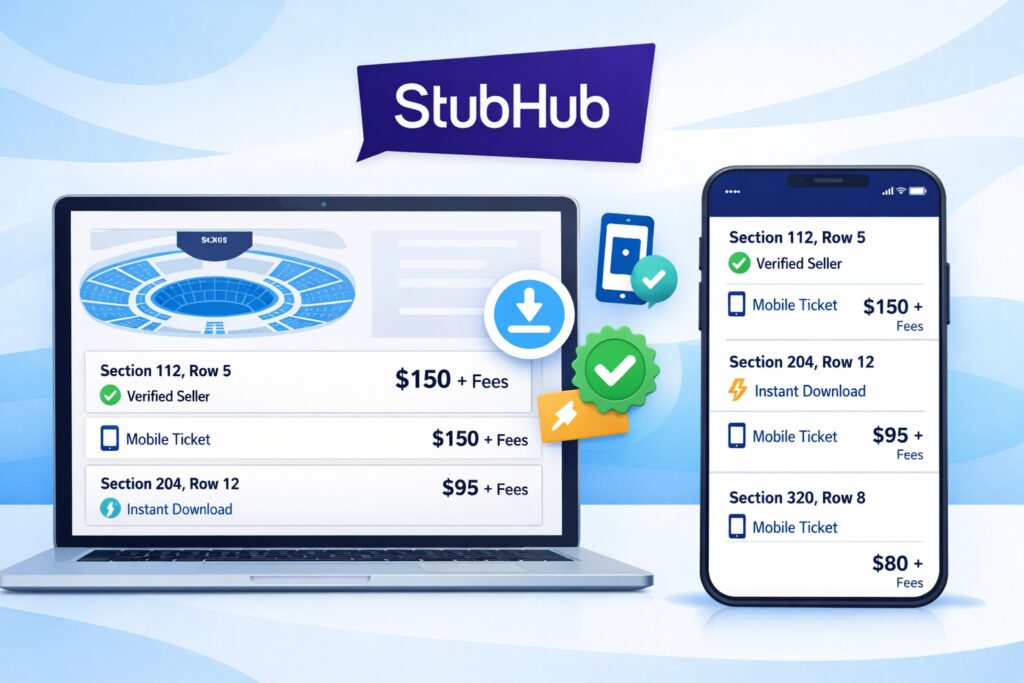
Once you select an event, you’ll see a list of available tickets. Understanding these listings is essential before proceeding to checkout.
Seat Location and Section Details
Listings show:
- Section and row
- Seat numbers (when available)
- Approximate seat location using a venue map
Interactive seat maps help you visualize where the seats are located within the venue.
Price Breakdown
Each listing displays:
- Ticket price
- Quantity available
Additional fees are calculated and shown during checkout, not hidden after purchase.
Ticket Format
Listings specify how tickets will be delivered, such as:
- Mobile transfer
- Electronic tickets
- Physical delivery (for select events)
The ticket format affects how and when you receive your tickets.
Step-by-Step: How to Buy Tickets on StubHub

This section walks through the exact buying process, from selecting tickets to order confirmation.
Step 1: Select Your Tickets
- Choose the listing that matches your preferred section, price, and quantity
- Click the listing to review details
Step 2: Review Order Details
Before checkout, confirm:
- Number of tickets
- Seat information
- Delivery method
- Event date and time
This review step helps ensure accuracy before payment.
Step 3: Sign In or Continue as Guest
You’ll be prompted to:
- Log into your StubHub account or
- Continue as a guest
Both options allow you to complete the purchase.
Step 4: Enter Payment Information
StubHub accepts multiple payment methods, which are displayed during checkout. Enter your billing details carefully to avoid delays.
Step 5: Review Fees and Total Cost
Before finalizing the purchase, StubHub shows:
- Ticket price
- Service fees
- Delivery fees (if applicable)
- Taxes (where required)
The full total is displayed clearly before you confirm.
Step 6: Place Your Order
Once everything is verified, submit your order. A confirmation page appears immediately, and a confirmation email is sent to your registered email address.
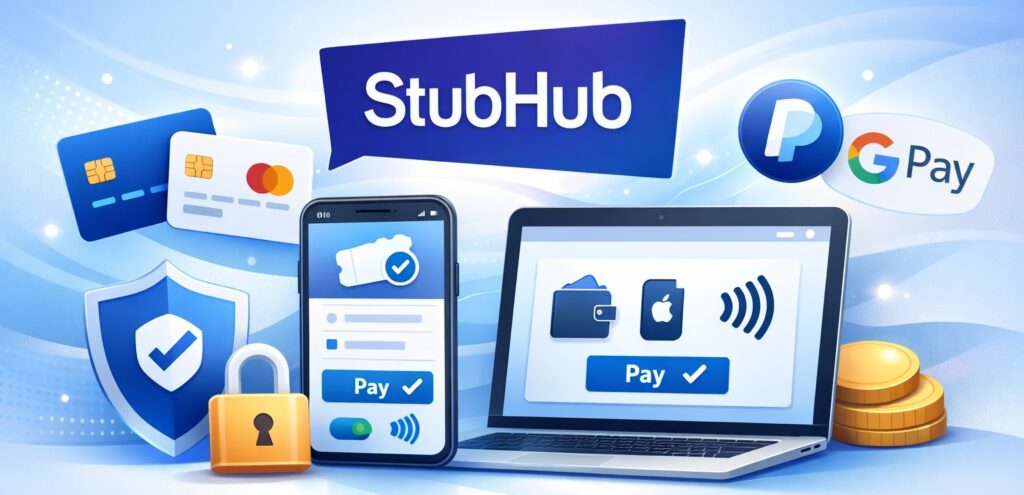
Payment Methods Accepted on StubHub

StubHub supports commonly used payment methods, which may vary by location. Accepted options are displayed during checkout and can include:
- Credit cards
- Debit cards
- Other supported digital payment options
Payment is processed securely through StubHub’s platform.
Fees Explained: Service Fees, Delivery Fees, and Taxes
Fees are a standard part of ticket marketplace transactions.
Service Fees
Service fees cover:
- Platform operations
- Customer support
- Secure transaction processing
Delivery Fees
Delivery fees apply when tickets require physical shipping or special handling.
Taxes
Taxes may apply depending on:
- Event location
- Local regulations
All fees are shown before you complete your purchase, ensuring transparency.
Mobile Tickets vs Physical Tickets on StubHub

Ticket format determines how you access your event.
Mobile Tickets
- Delivered electronically
- Accessible via your StubHub account or email
- Scannable from your smartphone at entry
Electronic Tickets
- Downloadable files
- May require printing or digital access
Physical Tickets
- Shipped to your address
- Delivery timelines vary by event
The listing always specifies the ticket type before purchase.
StubHub FanProtect Guarantee Explained
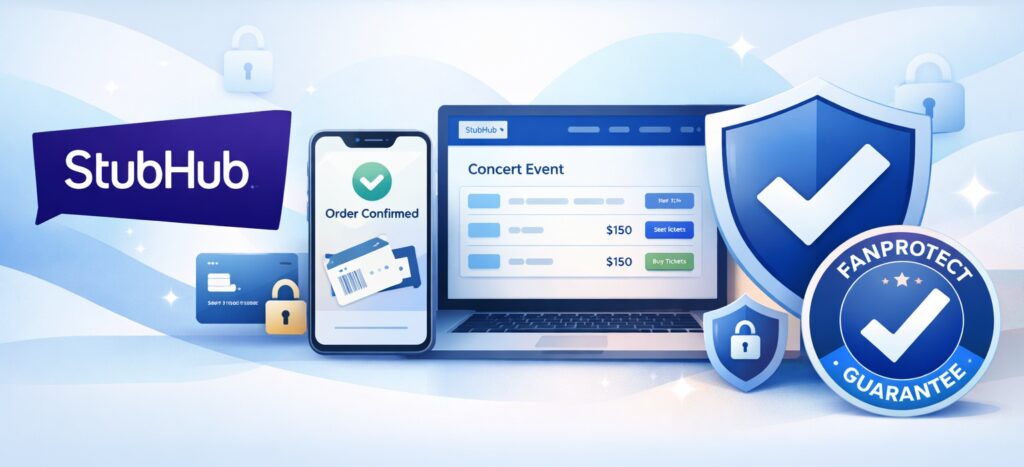
The FanProtect Guarantee is central to buyer confidence.
It ensures:
- Tickets are valid for entry
- Orders are fulfilled as promised
- Buyers receive support if issues occur
If a seller fails to deliver tickets or if tickets are invalid, StubHub steps in according to its official policy to resolve the issue.
How and When You Receive Your Tickets

Ticket delivery timing depends on:
- Ticket type
- Seller delivery method
- Event date
Delivery Timeline
- Some tickets are available immediately
- Others are delivered closer to the event date
The expected delivery date is always shown before checkout and again in your order confirmation.
What to Do If There’s an Issue With Your Order

If you encounter a problem:
- Check your confirmation email
- Log into your StubHub account (if applicable)
- Contact StubHub customer support through official channels
Support teams assist with delivery delays, access issues, or order discrepancies.
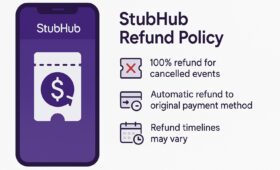
Can You Cancel or Get a Refund on StubHub?
Most StubHub orders are final. However, outcomes depend on:
- Event cancellation
- Seller fulfillment issues
- Applicable policies shown at checkout
If an event is canceled, StubHub provides options according to its official guidelines, which may include refunds or credits.
Tips to Buy Tickets Smoothly on StubHub
- Double-check event dates and venues before checkout
- Review seat location using the venue map
- Read delivery timelines carefully
- Keep confirmation emails until after the event
- Use an active email address for updates
These steps help avoid common buyer mistakes.
The Bottom Line: Buying Tickets on StubHub with Confidence
Buying tickets on StubHub is a structured, transparent process when you understand how the platform works. From searching events and reviewing listings to completing checkout and receiving tickets, each step is clearly guided through StubHub’s official system.
By following the step-by-step process outlined in this guide, buyers can make informed decisions, avoid surprises, and attend events with confidence—knowing their purchase is supported by StubHub’s buyer protection policies.
FAQs
1. Is StubHub safe to buy tickets from?
Yes, buying tickets on StubHub is considered safe for buyers because every purchase is protected by the platform’s official FanProtect Guarantee. This guarantee is designed to ensure that buyers receive valid tickets for their event. If tickets are not delivered on time, are invalid, or do not match the listing details, StubHub provides support to resolve the issue according to its official policies. Payments are processed securely through StubHub’s system, and buyers are not required to communicate directly with sellers outside the platform, which helps reduce risk.
2. Do I need an account to buy tickets on StubHub?
No, an account is not required to complete a purchase on StubHub. The platform allows buyers to use guest checkout, which means you can buy tickets by simply providing your email address, payment details, and delivery information. However, creating an account offers additional convenience, such as easier order tracking, faster access to mobile tickets, and centralized management of purchases. Whether you choose guest checkout or an account, StubHub sends all order confirmations and ticket updates to the email address you provide.
3. When will I receive my StubHub tickets?
The timing of ticket delivery depends on the ticket type and the seller’s delivery method. Some tickets, especially mobile or electronic tickets, may be available shortly after purchase, while others are delivered closer to the event date. StubHub always displays the expected delivery date before you complete checkout, allowing you to review this information in advance. After purchase, delivery details are also included in your confirmation email, so you know exactly when to expect your tickets.
4. What types of tickets does StubHub sell?
StubHub sells several types of tickets depending on the event and seller listing. These commonly include mobile tickets, which are delivered electronically and scanned from a smartphone, as well as electronic tickets that may be downloaded or printed. For certain events, physical tickets may also be available and shipped to your address. The ticket format is clearly shown on the listing page and during checkout, so buyers know how tickets will be delivered before completing a purchase.
5. Are fees included in the ticket price?
The price shown on a ticket listing reflects the base ticket cost set by the seller. Additional charges, such as service fees, delivery fees, and applicable taxes, are added during the checkout process. StubHub displays the full order total before you confirm payment, giving you a clear breakdown of all costs involved. This ensures transparency, as buyers can review the final amount before placing an order.
6. What happens if an event is canceled?
If an event is canceled, StubHub provides buyer options according to its official cancellation policy. These options are communicated directly to buyers and may include a refund or other resolution, depending on the circumstances of the event. Buyers are notified through email with instructions on the next steps. StubHub manages the process so buyers do not need to contact the seller directly in the event of a cancellation.
7. Can I cancel my order after purchase?
In most cases, StubHub orders are final once they are completed. This is because tickets are sourced from individual sellers, and availability changes quickly. However, there may be limited situations—such as issues covered under StubHub’s official policies—where exceptions apply. Any applicable terms or conditions are shown during checkout, and buyers are encouraged to review order details carefully before confirming their purchase.
8. How do I access mobile tickets from StubHub?
Mobile tickets are delivered electronically and can be accessed through the email address used during checkout or through your StubHub account if you created one. Once tickets are available, you will receive instructions on how to view them on your smartphone. At the event, mobile tickets are typically scanned directly from your device, eliminating the need for printed copies. Buyers should ensure their phone is charged and accessible when arriving at the venue.