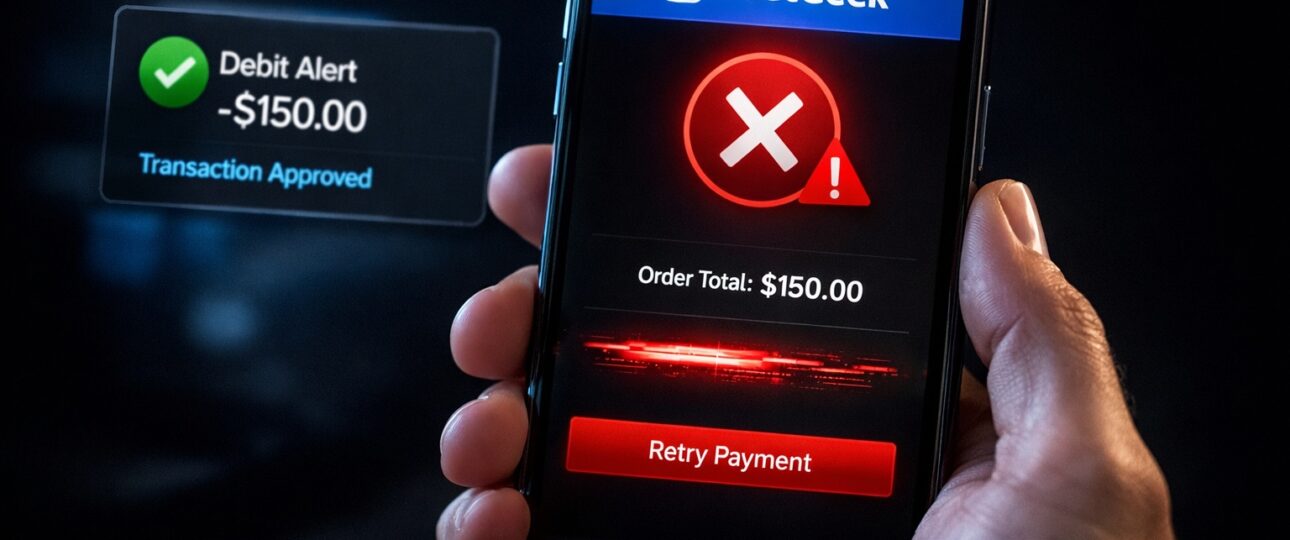
If you saw a message saying SeatGeek payment failed but amount deducted, the situation can feel alarming. Money appears to be gone, tickets are not confirmed, and there is no clear explanation on screen. The most important thing to understand right away is this: in the majority of cases, the money is not lost. It is usually held temporarily by your bank or payment network and then returned automatically.
This guide is written for people who need clear answers and real solutions fast. It explains why this happens, what the deduction actually means, how long reversals usually take, and exactly what actions help resolve the issue. The goal is to remove confusion and help you regain control of the situation.
What It Means When SeatGeek Payment Fails but Money Is Deducted
When you attempt to buy tickets, the payment process involves several systems working together at the same time.
- Your bank or card issuer
- The payment network
- The SeatGeek checkout system
A failure message does not always mean the payment truly failed. Often, the bank approves the amount first and places it on hold. After that, the final confirmation from the ticket platform may not complete successfully.
This creates a mismatch where:
- Your bank shows money deducted or pending
- The ticket order does not complete
- Tickets do not appear in your account
This situation is common in online ticket purchases, especially during busy sales periods.
Is Your Money Actually Gone or Just Temporarily Held?
In most cases, the deducted amount is a temporary authorization hold.
Here is what usually happens:
- Your bank blocks the amount to check availability
- The transaction fails before final confirmation
- The blocked amount stays pending for a short time
- The bank releases the amount back to your balance
A true completed charge only happens when all systems confirm the order successfully. If the order did not complete, the bank does not finalize the payment. SeatGeek Tickets Not Showing in App
This is why many users see the money return automatically without taking any action.
Common Reasons SeatGeek Shows Payment Failed After Deduction
Several technical and timing related factors can cause this issue.
1. High traffic during popular events
When many users attempt to book tickets at the same time, payment confirmations may time out even after the bank approves the amount.
2. Bank security checks
Banks sometimes flag large or unusual payments. The bank may approve the deduction initially but stop the transaction before completion.
3. Network or connection interruption
A slow internet connection or sudden app refresh can interrupt payment confirmation.
4. Payment gateway response delay
The payment processor may take too long to respond, causing the platform to mark the payment as failed.
5. Incorrect billing details
Minor mismatches in address or verification details can cause final confirmation failure even after deduction.
Bank Pending Transactions Explained in Simple Terms
A pending transaction is not a completed charge.
It means:
- The bank has reserved the money
- The merchant has not fully claimed it
- The transaction is awaiting final confirmation
Pending transactions usually resolve in three to seven business days depending on your bank. Some banks release the amount faster.
During this time, the amount may appear deducted, but it is not permanently taken.
Difference Between Failed Payment and Completed Order
Understanding this difference helps reduce stress.
A completed order includes:
- Order confirmation email
- Visible tickets in your account
- A finalized charge on your bank statement
A failed payment with deduction includes:
- No order confirmation
- No tickets issued
- A pending or temporary bank entry
If you did not receive a confirmed order message, the payment is almost always reversible.
How Long Refunds or Reversals Usually Take
Timeframes depend on the payment method used.
1. Credit cards
- Reversal usually happens within three to five business days
- Some banks release holds faster
2. Debit cards
- Can take five to seven business days
- International cards may take longer
3. UPI or bank transfer
- Often reversed within one to three working days
- Some banks process reversals at end of day
If the amount remains pending, patience is usually the best approach during the initial days.
What to Check Immediately After Payment Failure?
Before attempting another payment, check the following carefully.
- Look for any order confirmation email
- Check your SeatGeek account for existing orders
- Review bank statement for pending or completed status
- Confirm the exact amount and transaction reference
If no order exists and the transaction is pending, avoid retrying payment immediately.
Step by Step Actions That Actually Resolve This Issue
Step 1: wait for automatic reversal
Most payment issues resolve on their own within a few days.
Step 2: avoid repeated attempts
Retrying payment too quickly can lead to multiple pending holds.
Step 3: keep transaction details saved
Note the date, amount, and reference number from your bank.
Step 4: check your account again after some time
Sometimes the order completes late and tickets appear later.
Step 5: contact your bank if delay exceeds normal timeframe
Banks can confirm if the amount is pending or released.
These steps prevent duplicate charges and reduce further complications.
Credit Card Vs Debit Card Vs UPI Payment Failures
Different payment methods behave differently.
1. Credit cards
Most flexible for reversals. Banks handle pending holds efficiently.
2. Debit cards
Funds are taken directly from your balance, so holds feel more stressful but still reverse in most cases.
3. UPI payments
Usually fastest to reverse. Failures are often resolved within one or two working days.
Knowing your payment type helps set realistic expectations.
Why SeatGeek Payments Fail During High Traffic Events
Large ticket releases create intense system load.
During such times:
- Servers handle thousands of payments per minute
- Payment confirmations may delay
- Session timeouts increase
- Banks apply extra security filters
These conditions make payment mismatches more likely. The good news is that systems are designed to correct these mismatches automatically.
What Happens If You Try to Pay Again?
Trying again too quickly can cause:
- Multiple pending deductions
- Confusion about valid orders
- Longer resolution times
Best practice is to wait until:
- The pending amount is released
- Or the order clearly appears in your account
Only then should you attempt payment again.
How to Avoid Duplicate Charges
Use these precautions:
- Do not refresh the payment page during processing
- Avoid pressing the pay button multiple times
- Use a stable internet connection
- Wait for confirmation or failure message fully
If unsure, stop and check your bank and account before retrying.
When Payment Issues Resolve Automatically
Automatic resolution is common when:
- The transaction is pending
- No tickets were issued
- No confirmation email exists
In these cases, banks release the funds without any manual action.
How to Prevent This Issue in the Future?
You can reduce risk by following these tips:
- Use a reliable internet connection
- Complete payments during lower traffic hours
- Keep billing details accurate
- Avoid switching apps during checkout
- Prefer payment methods with faster reversals
These steps improve success rates significantly.
Quick Checklist to Follow Right Now
- Check for order confirmation
- Review bank status for pending or completed
- Avoid retrying payment immediately
- Save transaction details
- Wait for automatic reversal
The Bottom Line
Seeing SeatGeek payment failed but amount deducted is stressful, but it is rarely permanent. In most situations, the money is temporarily held and returned without effort. By understanding how the payment process works and following the steps above, you protect yourself from duplicate charges and unnecessary worry.
Once the pending amount clears or the order completes, you can confidently proceed with your plans and focus on enjoying the event instead of stressing over the payment screen.
Frequently Asked Questions
1. Why did SeatGeek deduct money if payment failed?
When you attempt a ticket purchase, your bank usually checks and reserves the amount first before the transaction is fully completed. This process is called an authorization hold. During this step, the bank temporarily blocks the amount to confirm that sufficient balance or credit is available.
If the payment process stops before final confirmation, the ticket order does not complete. Even though the bank has shown the amount as deducted or pending, the platform has not actually received the funds. In most situations, the bank automatically removes this temporary hold after a short period. This is why money can appear deducted even though the order failed.
2. Will the deducted amount be refunded automatically?
Yes, in most situations the deducted amount is returned automatically. When a payment does not complete successfully, banks treat the transaction as incomplete and reverse the temporary hold without any manual request.
You usually do not need to take action during the initial waiting period. Once the bank finishes its internal checks, the amount is credited back to your available balance. Automatic reversal is the most common outcome for failed ticket payments.
3. How long does it take for the deducted amount to return?
The return time depends on your bank and the payment method used.
In general, most banks release the amount within one to seven business days. Credit cards often resolve faster, while debit cards and direct bank payments may take slightly longer. International cards can sometimes take additional processing time.
If the amount remains pending beyond the normal timeframe shown by your bank, contacting the bank directly usually provides clarity on the exact status.
4. Can I book tickets again after payment failure?
Yes, you can book tickets again, but only after confirming a few important points. First, check your email and account to ensure that no order was created. Second, verify that the deducted amount is still pending or has been released back to your account.
Attempting another payment too quickly can result in multiple temporary deductions. Waiting until the previous transaction clears helps avoid confusion and duplicate holds.
5. Why does my bank show deduction but SeatGeek shows failure?
This situation occurs because banks and ticket platforms process transactions in separate stages. Your bank may approve and reserve the amount almost instantly, while the platform still waits for final confirmation from the payment system.
If confirmation does not reach the platform in time, the order is marked as failed even though the bank has already placed a temporary hold. Once the bank recognizes that the transaction was not completed, the reserved amount is released back to you.