Last updated: January 2026
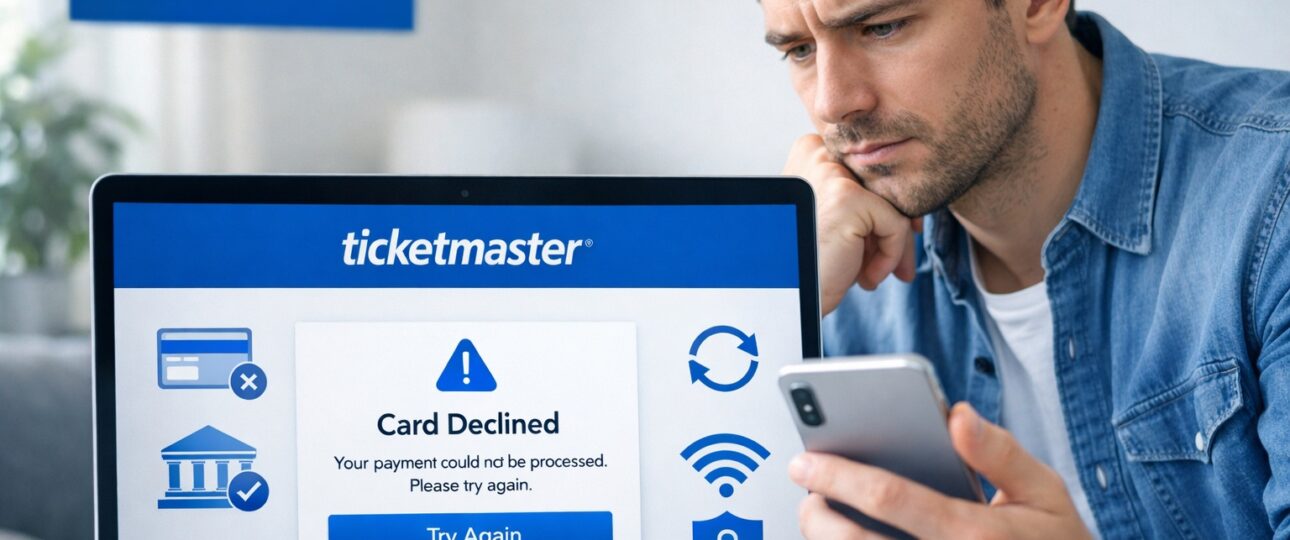
Buying tickets online should be quick and exciting. But nothing ruins the moment faster than seeing the Ticketmaster card declined error at checkout—especially when tickets are selling out fast. Your card works elsewhere, the balance looks fine, and yet the payment fails repeatedly.
This issue affects thousands of users during high-demand ticket sales, presales, and even routine purchases. Based on common checkout issues reported during major ticket releases, most card declines on Ticketmaster happen due to predictable reasons—and in many cases, the fix is simple.
This guide breaks down every cause of the Ticketmaster card declined error and shows exactly how to fix it step by step, so you can complete your purchase quickly without missing the event.
What Is the Ticketmaster Card Declined Error?

The Ticketmaster card declined error appears when a payment attempt fails during checkout. This does not always mean there is a problem with your card balance. Ticketmaster uses automated payment verification systems combined with bank authorization checks. If any part of that process flags an issue, the transaction stops instantly.
Based on recurring payment issues observed during presales and high-traffic on-sale windows, this error most frequently appears when Ticketmaster’s security systems and bank authorization checks overlap. It is especially common during popular concerts, sports events, and limited-seat releases, where rapid checkout attempts and high transaction volumes increase payment scrutiny.
A decline can happen due to:
- Bank-side security blocks
- Incorrect billing details
- Ticketmaster’s internal fraud filters
- Technical or session-related issues
Understanding the difference between bank declines and Ticketmaster security declines is key to fixing the problem quickly.
Common Causes of Ticketmaster Card Declined Error

1. Insufficient Balance or Credit Limit
This is the most straightforward cause. Ticketmaster authorizes the full ticket amount, including service fees and taxes. Even if you are short by a small amount, the transaction fails.
What to check:
- Available credit limit (not total limit)
- Pending transactions on your card
- Daily spending limits on debit cards
2. Bank Fraud Protection Blocks
Banks often block ticket purchases automatically, especially during:
- High-value transactions
- Sudden online purchases
- International merchants
Ticketmaster transactions can appear high-risk to some banks due to volume spikes during sales.
Signs this is the issue:
- Card works elsewhere but not on Ticketmaster
- Bank sends a fraud alert message
- Transaction does not even reach Ticketmaster
3. Incorrect Billing Address or ZIP Code
Ticketmaster matches the billing address exactly as registered with your bank. Even minor differences can cause the card to decline.
Common mistakes include:
- Old addresses saved in browsers
- Missing apartment numbers
- Incorrect ZIP or postal code
4. International Card Restrictions
Some banks block international or cross-border payments by default. Ticketmaster processes payments through regional gateways, which can trigger restrictions.
This often affects:
- Newly issued cards
- Cards with disabled international e-commerce
5. Expired or Inactive Cards
An expired card or one that has not been activated for online use results in an instant decline. Replacement cards issued by banks sometimes need manual activation.
6. Multiple Failed Attempts Trigger Security Filters
Repeated attempts within a short time can cause Ticketmaster’s system to temporarily block your card or account.
This can happen when:
- You refresh checkout repeatedly
- You switch cards too quickly
- You retry payments without waiting
7. Ticketmaster System or Server Issues
During major ticket releases, Ticketmaster servers experience extremely high traffic. Payment gateways may time out or fail silently, showing a decline message even when your card is fine.
8. Unsupported Card Types
Not all cards work reliably on Ticketmaster. Some card types are more likely to face issues.
Examples include:
- Prepaid cards
- Virtual cards
- Corporate or business cards
Quick Troubleshooting Guide for Ticketmaster Card Declined Error
| Cause | Why It Happens | Quick Fix |
| Bank security block | Fraud filters triggered during ticket purchases | Contact your bank to approve the transaction |
| Billing information mismatch | Address or ZIP code does not match bank records | Update billing details and re-enter manually |
| Repeated payment attempts | Temporary security cooldown activated | Wait 15–30 minutes before retrying |
| International restrictions | Cross-border payments disabled | Enable international e-commerce in banking app |
| Browser or session issue | Corrupted checkout session | Clear cache or use incognito mode |
Step-by-Step Solutions to Fix Ticketmaster Card Declined Error

Step 1: Double-Check Card Details
Before retrying:
- Re-enter card number manually
- Confirm expiration date and CVV
- Match billing address exactly as per bank records
Avoid autofill during high-demand sales.
Step 2: Contact Your Bank Immediately
Call or chat with your bank and ask:
- If the transaction was blocked
- If online and international payments are enabled
- If there are temporary security restrictions
Banks can unblock the card instantly in many cases.
Step 3: Enable International and E-Commerce Transactions
Log in to your banking app and:
- Enable international usage
- Enable online payments
- Increase transaction limits temporarily
This step alone resolves many Ticketmaster card declined errors.
Step 4: Clear Browser Cache and Cookies
Old session data can interfere with checkout.
Fix:
- Clear cache and cookies
- Restart the browser
- Log in again and retry
Step 5: Use Incognito or Private Mode
Incognito mode avoids stored data conflicts. This is especially useful during presales and flash sales.
Step 6: Switch Device or Browser
If the error persists:
- Move from mobile to desktop
- Try Chrome, Edge, or Safari
- Avoid outdated browsers
Step 7: Try Another Payment Method
If cards fail repeatedly, use alternatives:
- PayPal
- Ticketmaster gift cards
- Digital wallets linked to your card
These often bypass direct card authorization issues.
Step 8: Wait Before Retrying
After multiple failures, wait 15–30 minutes before trying again. This allows security filters to reset.
Ticketmaster Card Declined Error: App vs Website

Mobile App Issues
- App version outdated
- OS compatibility problems
- Payment SDK glitches
Fix: Update the app or switch to the website.
Website Issues
- Browser extensions interfering
- Session timeouts
Fix: Disable extensions or use incognito mode.
Card Types Most Affected by Ticketmaster Declines

Debit Cards
- Lower transaction limits
- Strict fraud checks
Credit Cards
- Generally reliable
- Declines usually linked to billing mismatch
Prepaid Cards
- Often unsupported for ticket purchases
Virtual Cards
- Frequently blocked by payment gateways
Corporate Cards
- Extra authorization layers
Best option: A standard personal credit card with international e-commerce enabled.
How to Avoid Ticketmaster Card Declined Error in the Future?

Before Ticket Sales
- Update billing address with your bank
- Enable international transactions
- Remove expired cards from your account
During Checkout
- Avoid refreshing repeatedly
- Enter details manually
- Stick to one payment method
For High-Demand Events
- Use a reliable credit card
- Log in early
- Keep bank support contact ready
When to Contact Ticketmaster Support
Reach out to Ticketmaster support if:
- Your bank confirms no decline
- Multiple cards fail
- Error appears across devices
Keep this information ready:
- Order attempt time
- Error message shown
- Last four digits of the card
The Bottom Line
The Ticketmaster card declined error is frustrating, but it is rarely permanent. In most cases, the issue comes down to bank security settings, billing mismatches, or system overloads during high-demand sales. By preparing your payment method in advance and following the fixes outlined above, you can significantly improve your chances of completing your purchase smoothly. Ticketmaster Customer Service Number
Tickets move fast. A little preparation makes all the difference.
FAQs
1. Why does Ticketmaster keep declining my card?
Ticketmaster keeps declining cards mainly due to bank-level security checks, incorrect billing information, or automated fraud-prevention systems. Even when your card has sufficient balance, the transaction can fail if the bank flags it as unusual or high risk.
Common triggers include:
- Sudden high-value purchases during ticket sales
- Multiple payment attempts in a short time
- Billing address or ZIP code not matching bank records
- Online or international transactions disabled on the card
Ticketmaster processes a massive volume of payments during popular events, so its systems apply stricter validation. If any part of the authorization chain fails, the card is declined instantly.
2. My card works elsewhere. Why not on Ticketmaster?
A card working on other websites does not guarantee success on Ticketmaster. Ticketmaster applies advanced fraud detection filters, especially during presales and high-demand events. These filters are more aggressive than those used by standard e-commerce websites.
Reasons this happens include:
- Ticketmaster categorizing ticket sales as high-risk transactions
- Banks being cautious about entertainment purchases during traffic spikes
- Regional payment gateways rejecting certain cards
3. How long should I wait before retrying payment?
After multiple failed attempts, it is best to wait 15 to 30 minutes before retrying. Repeated retries within a short window can trigger temporary security blocks from Ticketmaster or your bank.
During the waiting period:
- Avoid refreshing the checkout page
- Do not switch between multiple cards repeatedly
- Clear cache or use a new browser session
Waiting allows automated filters to reset and increases the chance of a successful transaction on the next attempt.
4. Which payment method works best on Ticketmaster?
Personal credit cards with international e-commerce enabled show the highest success rate on Ticketmaster. Credit cards typically have higher transaction limits and fewer restrictions compared to debit or prepaid cards.
Best-performing options include:
- Visa or Mastercard credit cards
- Cards with verified billing addresses
- Cards enabled for online and cross-border payments
Alternative payment methods like PayPal or Ticketmaster gift cards can also work well, especially if direct card payments fail.
5. Can Ticketmaster block a card permanently?
Permanent card blocks on Ticketmaster are rare. Most blocks are temporary security restrictions caused by unusual activity, repeated declines, or failed verification attempts.
Temporary blocks may occur due to:
- Too many checkout retries
- Switching cards frequently
- Rapid logins from different devices
In most cases, access is restored automatically after some time. Long-term blocks usually involve serious policy violations or confirmed fraudulent activity, which affects a very small number of users.
6. Do debit cards work on Ticketmaster?
Yes, debit cards do work on Ticketmaster, but they experience higher decline rates compared to credit cards. This happens because debit cards often have:
- Lower daily transaction limits
- Stricter bank controls
- Real-time balance verification
Debit cards are more likely to be blocked during high-value purchases or international transactions. If using a debit card, ensure online payments, international usage, and spending limits are enabled before checkout.
7. Does clearing cache really help fix payment issues?
Yes, clearing cache and cookies can help resolve the Ticketmaster card declined error. Stored browser data can interfere with payment sessions, especially after failed attempts or page refreshes.
Clearing cache helps by:
- Removing corrupted checkout sessions
- Resetting outdated cookies
- Eliminating autofill errors
For best results, combine this step with using incognito or private browsing mode.
8. Are prepaid cards supported on Ticketmaster?
Most prepaid cards do not work reliably on Ticketmaster. These cards often lack full billing verification or are restricted by payment processors.
Prepaid cards may fail due to:
- No registered billing address
- Spending caps
- Payment gateway restrictions
If you plan to use a prepaid option, a Ticketmaster-branded gift card is a more reliable alternative.
Recommended Post:
Call Ticketmaster for Ticket Errors
How the Ticketmaster Queue Works
Fixes for Ticketmaster Password Reset Not Working
How to Sell Tickets on Ticketmaster
How much does Ticketmaster charge to sell tickets
Ticketmaster how to verify phone number
how to transfer tickets on ticketmaster