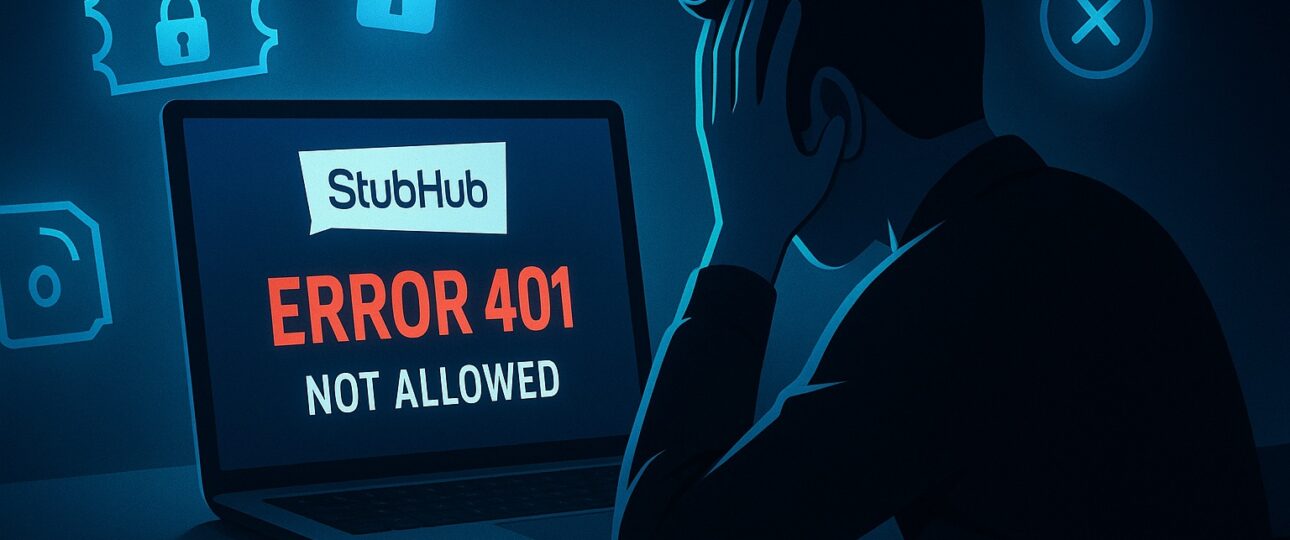
You love catching live events such as concerts, sports games, and more. But nothing kills the buzz faster than running into tech glitches when trying to snag tickets. One issue many face is the Error 401: Not Allowed Stubhub. If you have seen this pop up while browsing for tickets, you know how frustrating it is. It feels like the site slams the door in your face right when you are excited about that big event. Stubhub Error 401 Not Allowed
First Things First: What Exactly Is Error 401?
You are on the Stubhub app or website, scrolling through tickets for your favorite band’s tour. You click on a listing and suddenly see Error 401: Not Allowed. What does that mean?
Error 401 is like a bouncer at a club saying you are not on the list. It is a message from the website telling you that you do not have permission to access what you are trying to reach. This comes from something called HTTP status codes, which are signals websites use to communicate with your browser or app.
On Stubhub, this error shows up when the system believes you are not authorized. It could be because your login session expired, or there is a problem with your account credentials. Stubhub focuses on secure ticket buying and selling, so strict rules are in place to protect users. If something does not match, Error 401 blocks access.
Why Does Error 401 Happen Specifically on Stubhub?

Stubhub isn’t some random site; it’s a massive platform where millions of people trade tickets every day. Security is huge for them because tickets can be worth a lot of money, and they want to prevent fraud or unauthorized access.
Here are some top reasons this error shows up:
- Session Timeout: If you log in and then step away for more than 30 minutes, your session might expire. Stubhub does this to keep things safe. When you try to do something like buy a ticket, the site doesn’t recognize you anymore, leading to Error 401.
- Invalid Credentials: Maybe you typed your password wrong, or your account got locked after too many failed attempts. Or perhaps you are using an old bookmark that points to a protected page without logging in first.
- Browser Issues: Cookies and cache can get messy. These are little bits of data your browser stores to remember your login. If they are corrupted or outdated, Stubhub might not verify you properly.
- VPN or Proxy Problems: Some people use VPNs to browse privately or access deals from other regions. But Stubhub might flag unusual IP addresses as suspicious, triggering the error.
- Account Restrictions: If Stubhub suspects something fishy, like multiple logins from different places, they might temporarily restrict access. This is their way of saying, “Hold up, we need to check this.”
- App-Specific Glitches: On the mobile app, Error 401 can appear because of outdated software or a weak internet connection. Some users have also reported getting this error when their phone’s date and time settings were incorrect, which interfered with the security checks.
Stubhub’s system is built on layers of security. They use tokens, which act like digital keys to confirm your identity. If the token goes missing or becomes invalid, you get Error 401. Sometimes this happens on your side, and sometimes it’s due to a glitch on their servers, especially during high-traffic events.
Common Situations Where You Might See This Error
This error doesn’t just appear out of nowhere. It often hits during key moments:
- During Checkout: You are about to pay for those prime seats, and it blocks you. Frustrating, right? This happens if your session times out mid-process.
- Listing or Selling Tickets: Sellers get this when trying to upload ticket details. If you’re not fully verified, the site won’t let you proceed.
- Accessing Account Settings: Want to update your payment info? Error 401 might stop you if there is a login issue.
- Searching for Events: Rarely, but if you are using filters or advanced search without being logged in, it could trigger.
- After Password Reset: You change your password, but the old session lingers, causing confusion.
One story from a forum shared how a woman was buying tickets for her kid’s first baseball game. She got Error 401 right at payment. Panicked, she refreshed, and it worked after clearing her browser history. Small steps like that can make a big difference.
In peak times, like when Taylor Swift tickets drop, the site gets hammered. More users mean more chances for errors. Stubhub tries to handle it, but glitches slip through.
Step-by-Step Fixes for Error 401 on Stubhub
Alright, now the good part: How do you fix this? I’ll walk you through easy steps. Start with the simplest and work your way down.
Step 1: Log Out and Log Back In
This is the quickest fix. Go to your account menu, log out completely, then log back in with your email and password. It refreshes your session and often clears the error.
Step 2: Check Your Internet Connection
Make sure your Wi-Fi or data is strong. Try switching networks. If you are on public Wi-Fi, like at a coffee shop, it might be blocking secure connections. Use your phone’s hotspot instead.
Step 3: Clear Browser Cache and Cookies
On Chrome or Firefox, go to settings, find “Clear browsing data,” and select cache and cookies. Restart the browser. For apps, force close and reopen. This wipes out old data that might be causing issues.
Step 4: Disable VPN or Proxy
If you are using a VPN, turn it off and try again. Stubhub prefers direct connections for security. If you need privacy, pick a server in your own country.
Step 5: Update Your App or Browser
Outdated software can cause compatibility problems. Check for updates in your app store or browser settings. Stubhub optimizes for the latest versions.
Step 6: Try a Different Device or Browser
Switch from phone to computer, or from Chrome to Safari. Sometimes, it’s device-specific. Using incognito mode often helps since it starts fresh without old data.
Step 7: Reset Your Password
If credentials are the issue, go to the login page and click “Forgot Password.” Follow the steps to reset. Then log in anew.
Step 8: Check for Account Issues
Look at your email for any messages from Stubhub about account verification or restrictions. If needed, verify your phone number or email.
If none of these work, it might be a site-wide issue. Wait a bit and try later. During big events, patience helps.
One fix that often helps comes from a recent example with selling hockey tickets. Error 401 kept appearing even after clearing the cache, which did not solve the problem. The real issue turned out to be an active ad blocker. Once it was turned off, the error disappeared. Browser extensions like ad blockers can interfere with site scripts and cause Stubhub to reject actions.
When to Reach Out to Stubhub Support
If you have tried everything and the error is still there, the best option is to contact support. The Help Center on the Stubhub site is the place to start. You can directly contact at Stubhub phone number to talk to the expert. Be ready to share details such as what you were doing, your device, browser, and screenshots. Stubhub Error 401 Not Allowed
Many users say support resolves the error quickly. A representative may guide you through account verification, and the issue is often fixed in minutes.
Wrapping It Up: Don’t Let Error 401 Ruin Your Fun
There you have it, a full rundown on Stubhub Error 401: Not Allowed. It is frustrating, but fixable with the right steps. From understanding why it happens to applying simple fixes and prevention, you are now prepared to handle it confidently.
Live events are about the thrill, the crowd, and the memories. Tech glitches should not stand in the way. The next time you see this error, stay calm, follow the steps, and get back to the action.