Summary: A SeatGeek duplicate charge usually occurs due to a temporary authorization hold combined with a separate successful transaction, often caused by payment gateway timeouts or retrying the “Buy” button. While it looks like two charges, one is typically a pending authorization that will disappear. Verify your order history first; do not dispute the charge immediately, as this can delay a resolution.
The Panic of a Double Charge
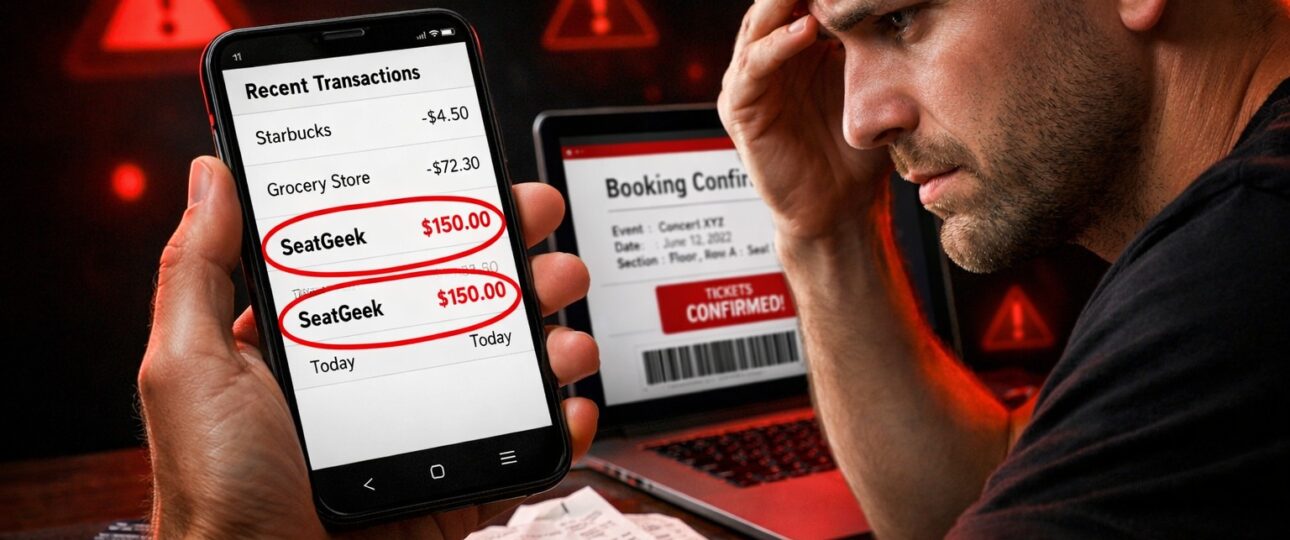
You found the perfect seats, clicked buy, and felt the excitement build. Then, you check your bank account. Your heart sinks. There are two pending charges for the exact same amount. Is SeatGeek charging you twice?
You are not alone. In 2026, as payment systems become faster but not always more transparent, a SeatGeek duplicate charge remains one of the most common and alarming billing issues for ticket buyers. This guide explains exactly why this happens and provides the exact steps to get your money back.
Common Causes: Why Duplicate Transactions Happen
Understanding the “why” behind the error is the first step to fixing it. Duplicate charges on SeatGeek rarely happen because the system is trying to steal from you. They are almost always a technical hiccup.
1. The Pending Charge vs. The Real Charge
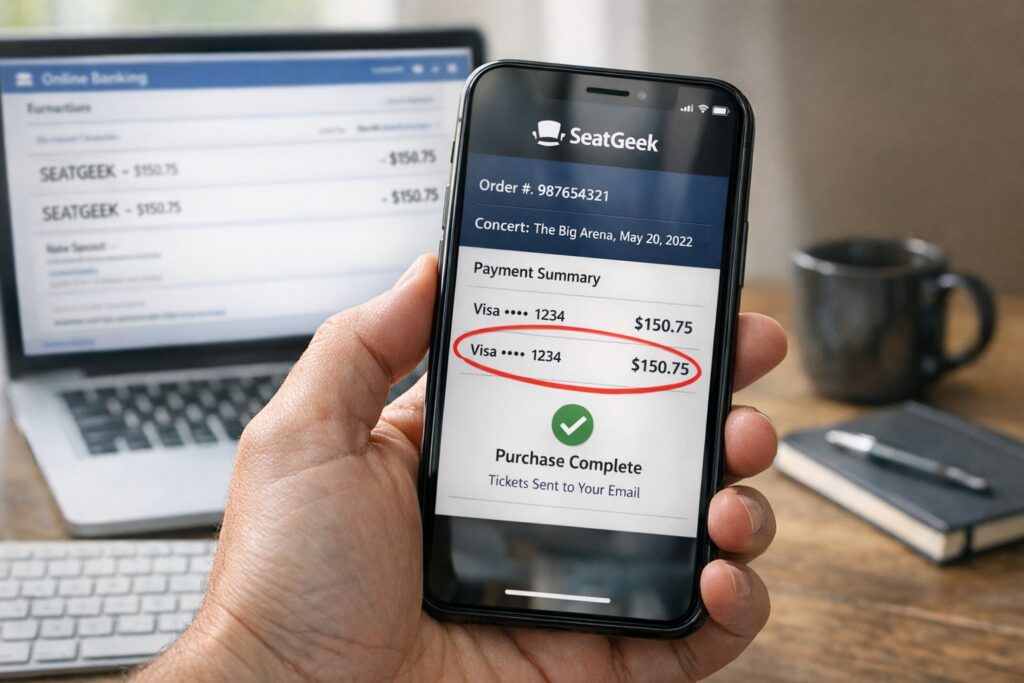
The most frequent cause of a duplicate transaction on SeatGeek is the difference between an “authorization” and a “capture.” When you first hit buy, SeatGeek asks your bank to verify the funds are there. This shows up as a pending charge. If the first attempt faced a slow connection, you might have refreshed, triggering a second authorization. You now have two pending charges, but only one will become a real transaction.
2. Checkout Session Timeouts
SeatGeek is a marketplace. If the checkout session expires while the system is locking in your tickets—but after your bank has approved the hold—the payment processor gets confused. You see a charge, but SeatGeek sees an incomplete order, leading to a second attempt.
3. Submitting the Order Multiple Times
In a moment of panic when the page doesn’t load, many users click “Buy” again. This instructs the payment gateway to run a new transaction. This is a direct path to a SeatGeek double charge.
4. Merchant of Record Issues
SeatGeek uses various payment processors. Occasionally, a glitch in the communication between SeatGeek, the processor, and your bank results in one transaction showing twice due to a coding error on the bank’s statement.
Immediate Steps: Verify the Duplicate Charge
Before you call anyone, take a deep breath and verify the facts. Most double charges are optical illusions caused by pending transactions.
-
Check Your SeatGeek Order History
Log into your account and navigate to “Orders.” Do you see one order or two? If you see only one confirmed order, the duplicate bank charge is likely an authorization error. If you see two identical orders, you have a genuine SeatGeek duplicate charge issue.
-
Analyze Your Bank Statement
Look at the status of the charges.
- Pending:This is usually a hold. It will disappear.
- Posted/Completed:This is a real withdrawal. If both are posted, you need a refund.
-
Check for “Pending” Timestamps
If both charges occurred within seconds of each other and one is still pending, the pending charge should vanish within 1-3 business days.
Step-by-Step Fix: How to Resolve a Duplicate Charge
If you have confirmed a double charge, follow this troubleshooting guide strictly in order.
Step 1: Wait 15 Minutes (Do Not Retry)
If the transaction just happened, do nothing for 15-30 minutes. Retrying immediately can compound the issue. Sometimes, the system resolves the duplication automatically.
Step 2: Log Out and Log Back In
Log out of your SeatGeek account completely and log back in. This forces a session refresh and syncs your order data. Often, the missing order appears, or the duplicate vanishes from the interface.
Step 3: Force a Platform Sync
If you used the app, check the desktop site (or vice versa). Switching platforms can force a refresh of your data cache.
- iOS/Android:Force close the app and restart your device .
- Browser:Clear your cache and cookies to remove corrupted session data.
Step 4: Locate the Order ID
Find the order confirmation number for the correct transaction in your email or order history. You will need this to prove which charge is valid when contacting support.
How to Get a Refund Fast
If the waiting game is over and you still have two posted transactions, it is time to demand your money back.
The 24-Hour Rule
SeatGeek’s system often requires a full business cycle to clear errors. If after 24 hours both charges are still “Completed” and you only have one set of tickets, proceed with the refund request.
Request a Refund via Support
Contact SeatGeek customer service directly. Do not go through your bank yet.
- Provide Evidence:Have your Order ID and bank statement ready.
- Be Specific:State clearly: “There is a SeatGeek duplicate charge on my account. Order Number is correct. The second charge of Amount on Date is fraudulent and needs a reversal.”
The “Unresponsive Seller” Tactic
If the tickets were from a third-party seller and they didn’t deliver, SeatGeek is responsible. If you never got the tickets but got charged twice, reference their Buyer Guarantee. They are contractually obligated to fix it .
When to Contact Support Immediately
While waiting is usually best, specific scenarios require immediate action.
- The “No Tickets” Duplicate: You have two completed charges, but there are zero tickets in your account and no order history. Contact support immediately.
- Event is Today: If the event starts in a few hours and you have a SeatGeek billing issue with duplicate payments, you need the funds cleared to potentially buy new tickets.
- The Chargeback Deadline: If you are nearing the end of the billing cycle, you might be forced to pay the duplicate. In this case, contact support immediately to expedite.
When to File a Chargeback
A SeatGeek chargeback should be your absolute last resort. If you file a chargeback with your bank, SeatGeek’s support team often freezes their communication with you and cancels the associated tickets.
File a chargeback only if:
- You have waited 5+ business days.
- SeatGeek customer service is unresponsive.
- The duplicate charge is causing financial hardship (overdraft fees).
Quick Checklist: Duplicate Charge Action Plan
Use this checklist to resolve your SeatGeek duplicate charge efficiently:
Step 1: Check SeatGeek order history for duplicate orders.
Step 2: Check bank to see if charges are “Pending” or “Posted.”
Step 3: Wait 24 hours if charges are pending.
Step 4: Gather Order ID and bank statement screenshots.
Step 5: Contact SeatGeek Support (avoid chargeback initially).
Step 6: Request written confirmation of refund.
Step 7: Monitor bank account for reversal within 3-10 days.
Wrapping Up: Don’t Pay for Nothing
Seeing a SeatGeek duplicate charge is stressful, but in 2026, it is a solvable problem. In most cases, the duplicate is just a ghost charge—a temporary hold that will evaporate. By following the logical steps of verification, patience, and then direct action, you protect your finances without losing your tickets. SeatGeek Payment Failed but Amount Deducted
If you are staring at a double charge right now, start with Step 1: check your order history. Solve it today, and get back to looking forward to your event.
FAQ: SeatGeek Billing Issues
1. Why does SeatGeek show two pending charges?
SeatGeek shows two pending charges because the payment processor placed an authorization hold on your card, and a glitch caused a second hold before the first could clear. Pending charges are temporary and usually drop off within 1-3 business days.
2. How long does a SeatGeek refund time take?
Once a refund is issued by SeatGeek, the SeatGeek refund time depends on your bank. It typically takes 3-10 business days for the funds to appear back in your account, though pending authorizations may disappear faster.
3. Can I get a refund if I accidentally bought duplicate tickets?
Yes. If you accidentally bought two sets of the same tickets, you are entitled to a refund for the duplicate order, provided the event has not passed. You must contact support before the event date to cancel the extra order.
4. Why is my payment still pending after a week?
A payment pending for over a week usually indicates the bank is waiting for the merchant to finalize the transaction. If the order failed, SeatGeek did not “capture” the funds. You must contact your bank to release the hold, as SeatGeek cannot remove pending authorizations manually.
5. Does SeatGeek charge a fee for refunds?
SeatGeek generally refunds the full cost of the ticket if the error is on their end. However, if you purchased “Refundable Tickets” and canceled within the policy window, service fees may be non-refundable.
6. How do I speak to a human about a double charge?
SeatGeek offers customer support via phone (10 AM–11 PM EST) or via email. For billing issues, using the chat feature in the app often gets a faster response.
7. Will a double charge affect my credit score?
No, a duplicate transaction on a debit or credit card does not directly impact your credit score. However, if the double charge overdraws your account and leads to unpaid bills, that could cause issues.
Recommended Post:
SeatGeek Tickets Not Showing in App
How to Sell Parking Pass on Seatgeek
Teddy Swims Ticket Booking on Seatgeek
How Does Seatgeek Tickets Work for Live Events
How to Sell Taylor Swift Tickets on Seatgeek