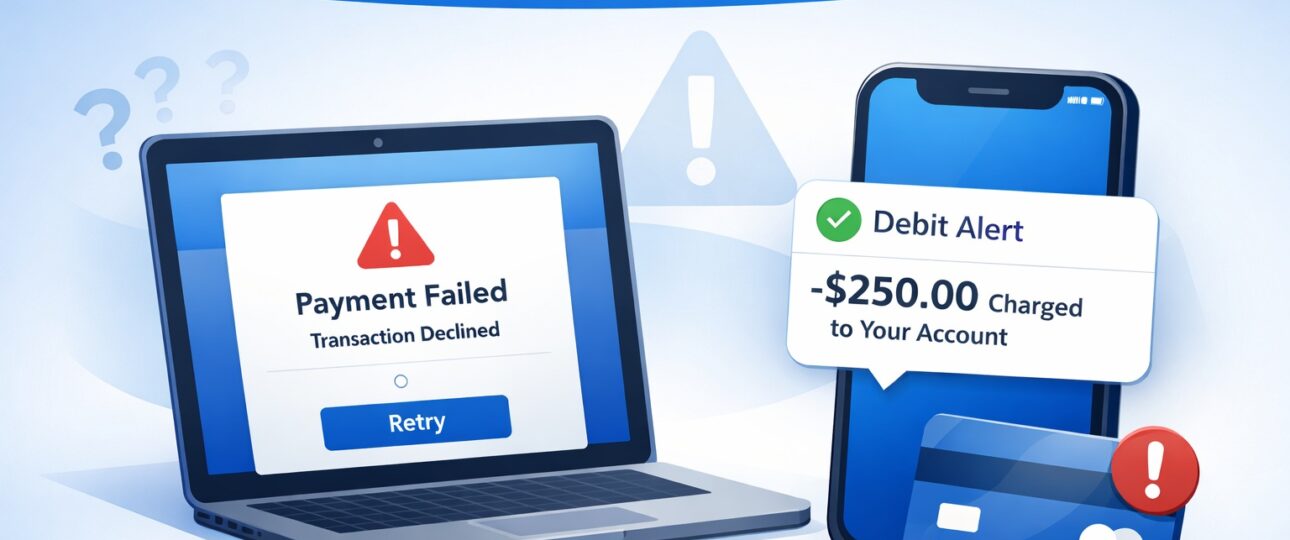
Experiencing a Ticketmaster purchase failed but amount debited issue can be alarming—especially when tickets are expensive, limited, or time-sensitive. You complete the checkout process, see an error message or blank screen, and moments later your bank sends an alert confirming the amount has been debited. Yet there is no order confirmation, no tickets, and no email.
This detailed guide explains exactly why this happens, how Ticketmaster’s payment system works, how long refunds actually take, and what you should (and should not) do to recover your money quickly.
Understanding the Issue: Failed Purchase vs Debited Amount
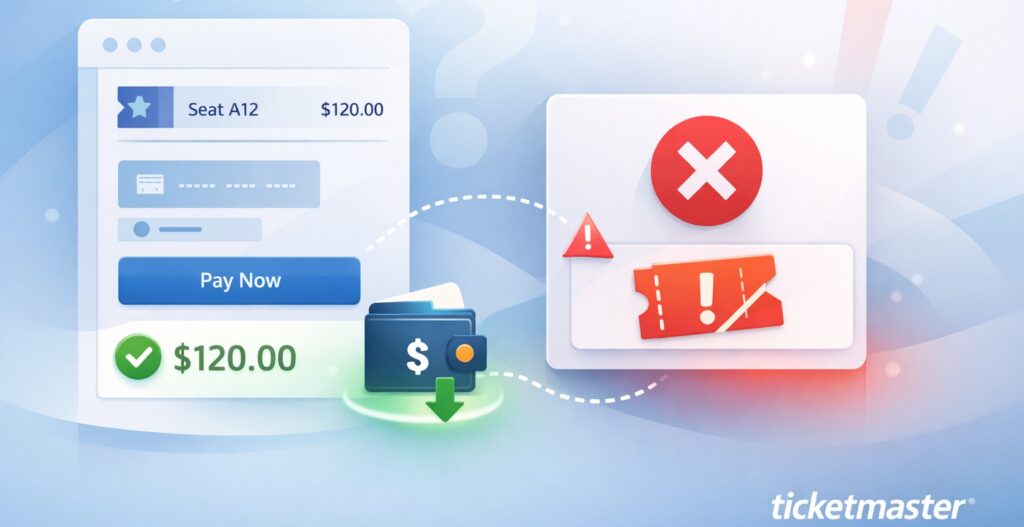
A Ticketmaster transaction involves three systems working together:
- Ticketmaster’s checkout system
- A secure payment gateway
- Your bank or card issuer
A purchase is only successful when all three confirm the transaction. If even one step fails, the order is cancelled—but your bank may still temporarily block the funds.
According to Ticketmaster’s official payment and billing guidelines, failed transactions are not captured and are automatically reversed.
This is why a failed purchase does not always mean a lost payment.
What Does “Purchase Failed” Mean on Ticketmaster?

When Ticketmaster displays:
- “Something went wrong”
- “Your order could not be processed”
- “Payment unsuccessful”
It means the order was not finalized in their system. Tickets were not allocated, and no official order number was generated.
However, this message does not automatically cancel the payment authorization created during checkout.
Why Ticketmaster Shows Failed but Your Bank Shows a Debit
1. Authorization Holds (Most Common Reason)
During checkout, Ticketmaster requests a temporary authorization to confirm you have sufficient funds.
- Your bank reserves the amount
- Ticketmaster later confirms or cancels it
- If cancelled, the bank releases the hold automatically
On your statement, this appears as Pending, Authorization, or Processing.
2. High Traffic and Server Timeouts
During major on-sales (concerts, playoffs, festivals):
- Pages may freeze
- Sessions may expire
- Confirmation may fail
Even though the bank approves the payment, Ticketmaster never completes the order.
3. OTP / 3D Secure Authentication Issues
If:
- OTP expires
- Authentication page fails to load
- Browser closes accidentally
The bank may still create a temporary debit while Ticketmaster cancels the order.
4. Bank Settlement Delays
Sometimes Ticketmaster releases the payment instantly, but your bank:
- Takes days to update records
- Shows the debit until settlement completes
Step-by-Step: What You Should Do Immediately
Step 1: Confirm There Is No Order
Log in to your Ticketmaster account and check:
- My Orders
- Email inbox and spam folder
No order number = no completed purchase.
Step 2: Carefully Check Your Bank Statement
Look for transaction status:
- Pending / Authorization → Wait (do not dispute yet)
- Posted / Completed → Track refund timeline
Step 3: Save Evidence
Take screenshots of:
- Ticketmaster error message
- Bank debit (date, amount, reference number)
This helps ensure faster and more accurate issue resolution.
How Refunds and Reversals Actually Work
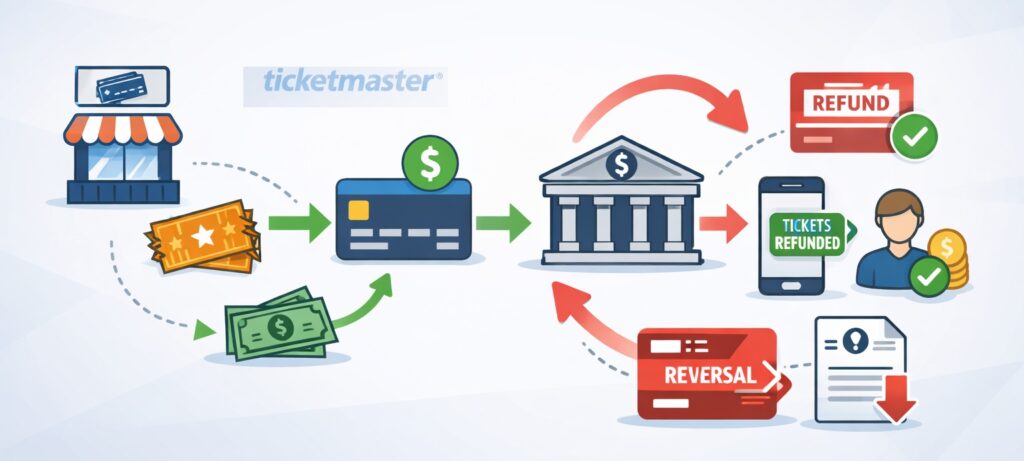
Authorization Hold Release
If the payment never settled:
- Banks usually release the hold automatically
- Timeline depends on card type and bank policies
Refund after Settlement
If the payment settled but the order failed:
- Ticketmaster initiates a refund
- Bank processes it in the next billing cycle
Typical Refund Timelines
| Payment Method | Authorization Release | Refund After Posting |
| Credit Card | 3–7 business days | 5–10 business days |
| Debit Card | 5–10 business days | 7–14 business days |
| Net Banking | 3–7 business days | 5–10 business days |
These timelines align with standard card-network and banking rules followed globally.
How to Contact Ticketmaster Customer Service

Contact Ticketmaster only after: (Official Number- 1-855-985-4357)
- The charge is posted, or
- The pending charge hasn’t dropped after 5–7 business days
Best Practices for Contacting Ticketmaster Customer Service
When contacting, you should provide:
- Registered email address
- Event name and date
- Attempted transaction date and time
- Exact debited amount
- Bank reference/ARN number
- Screenshots
When Should You Contact Your Bank?
Banks should be contacted only after Ticketmaster confirms:
- No order exists, and
- Refund has already been initiated or authorization released
Ask Your Bank:
- Is the charge pending or settled?
- Has the merchant released the authorization?
- Expected reversal or refund date
Avoid filing disputes too early—it can delay refunds.
Chargebacks: Use Only as a Last Option
Chargebacks are appropriate only when:
- Ticketmaster confirms no transaction
- Refund timeline has passed (14+ business days)
- No response is received from the merchant
Early chargebacks may:
- Freeze your card
- Delay automatic reversals
- Complicate future Ticketmaster purchases
Realistic Outcomes: What Most Users Experience
Case 1: Pending Charge Drops
No action required. Funds return automatically in a few days.
Case 2: Refund after Customer Service Review
Ticketmaster verifies failed order → refund processed → bank reflects credit in 5–10 days.
Case 3: Bank Reversal
Merchant releases funds → bank clears authorization.
In most cases, users recover funds without escalation.
How to Prevent This Issue in Future
- Log in before ticket sale time
- Use a stable internet connection
- Avoid refreshing checkout pages
- Complete OTP quickly
- Use credit cards for better protection
- Avoid VPNs or ad blockers during checkout
Final Conclusion
A Ticketmaster purchase failed but amount debited issue is common during high-demand ticket sales and almost always temporary. Understanding how authorization holds and refunds work can save you stress, time, and unnecessary disputes.
FAQs
Will Ticketmaster refund money automatically if the purchase fails?
Yes, Ticketmaster automatically refunds the money if a purchase fails. If a transaction does not complete successfully, Ticketmaster does not keep customer funds under any circumstances. In most failed purchase cases, the amount shown on your bank statement is a temporary authorization hold, not a finalized charge.
When you attempt to buy tickets, Ticketmaster requests your bank to authorize the amount to verify that sufficient funds are available. If the checkout process fails due to a technical error, timeout, payment gateway issue, or verification failure, the authorization is never captured. Your bank then releases this hold automatically based on its internal settlement cycle.
If the payment does get settled before the failure is detected, Ticketmaster initiates a refund to the original payment method. This refund is processed according to standard banking timelines and usually does not require any action from the customer.
Key point:
If the order failed and no tickets were issued, Ticketmaster does not retain the payment—refunds and reversals are part of the normal payment process.
How long should I wait before worrying about a debited amount?
You should wait at least 5–7 business days before worrying if the amount is still showing in your account.
- If the transaction appears as pending, authorization, or processing, it is not a completed charge. These typically disappear automatically within 3–7 business days.
- If the charge is posted or completed, refunds can take up to 10 business days to reflect after Ticketmaster processes them.
Banks do not process reversals instantly. Settlement cycles, weekends, public holidays, and internal verification steps can all affect how quickly funds return to your account. Contacting customer service or filing a dispute too early can delay the resolution process.
You should only escalate the issue if:
- The charge remains after 10–14 business days, and
- Ticketmaster confirms that no order exists in their system.
Why does my bank say Ticketmaster charged me, but Ticketmaster says there is no order?
This situation occurs because banks and merchants record transactions differently.
Banks display payment authorizations immediately when a transaction is attempted. Ticketmaster, however, only records a transaction once an order is fully completed and confirmed. If the checkout process fails after the bank authorizes the payment but before Ticketmaster confirms the order, your bank may still show the amount as debited even though Ticketmaster has no record of a completed purchase.
In simple terms:
- Your bank sees the payment attempt
- Ticketmaster sees no finalized order
Because these systems update independently, temporary mismatches are common. Once the authorization expires or the refund is processed, both records align and the charge disappears or is credited back.
Can Ticketmaster keep my money if tickets sell out after the failed purchase?
No. Ticketmaster cannot keep your money if the purchase failed, even if tickets sell out afterward.
If the order was not completed and no tickets were issued, the payment is not valid, regardless of ticket availability. Ticketmaster does not permanently charge customers for failed transactions under any circumstances.
While missing out on tickets due to a technical failure can be frustrating, ticket availability has no impact on refund eligibility. If the purchase failed, your money will either be released automatically or refunded.
Is a debit card refund slower than a credit card refund?
Yes, debit card refunds are generally slower than credit card refunds.
This happens because:
- Debit cards withdraw money directly from your bank account
- Credit cards operate on a credit line
Returning actual funds to a debit account requires additional settlement and verification steps by the bank. Credit card refunds usually appear faster because they simply adjust your available credit balance.
Typical timelines:
- Credit cards: 5–10 business days
- Debit cards: 7–14 business days
The speed of the refund depends on your bank’s processing time, not on Ticketmaster.
What if I see multiple debits for the same Ticketmaster purchase attempt?
Seeing multiple debits or pending charges usually means the checkout process was attempted more than once. This can happen due to:
- Refreshing the payment page
- Clicking the “Pay” button multiple times
- Session timeouts during high-traffic sales
Each attempt can create a separate authorization hold. Although this may look like multiple charges, most of these are temporary and drop off automatically within a few days.
Only one completed transaction (if any) can be settled. All extra authorizations are released by the bank once they expire.
You should only take further action if:
- Multiple charges remain posted after 10–14 business days, or
- Ticketmaster confirms an error in settlement.
Should I dispute the charge with my bank immediately?
No. You should not dispute the charge immediately unless advised by Ticketmaster or after official refund timelines have passed.
Filing a dispute too early can:
- Delay automatic authorization reversals
- Temporarily block your card
- Extend investigation timelines
- Complicate the refund process
Disputes should be used only as a last resort, when:
- Ticketmaster confirms no order exists
- The refund timeline has passed
- The charge remains posted with no resolution
In most cases, waiting for the authorization to expire or the refund to process results in a faster and smoother resolution than initiating an early dispute.