Buying event tickets is exciting, but plans can change. Events get canceled, rescheduled, or personal situations prevent attendance. When this happens, the first question you might ask is: does Ticketweb do refunds? The answer depends on several factors, including your location, the event organizer’s rules, and Ticketweb’s own policies for TicketWeb Refund Policy
This post provides a complete breakdown of the Ticketweb refund process, including their refund policies in Canada and the USA, step-by-step instructions on how to request refunds, common problems, solutions, and customer support contact details.
Understanding Ticketweb Refund Policy
Ticketweb operates in multiple countries, but the refund experience is not uniform. The two most common regions are the United States and Canada. The Ticketweb refund policy differs in each, mainly due to consumer protection laws and how Ticketweb partners with event organizers.
Does Ticketweb Do Refunds?
Yes, but not for every situation. Ticketweb issues refunds when events are canceled, sometimes when they are rescheduled, and in limited cases where the event organizer allows it. Unlike some platforms, Ticketweb does not automatically guarantee refunds for personal reasons like scheduling conflicts or change of mind.
Can You Get a Refund On Ticketweb?
Yes, you can, but the conditions depend on your event’s terms. If the event was canceled outright, you are usually entitled to a full refund. For rescheduled events, Ticketweb often lets you use the original ticket for the new date instead of issuing refunds. Some organizers choose to offer refund windows for rescheduled events, but not all do.
Ticketweb Refund Policy: Canada vs. USA
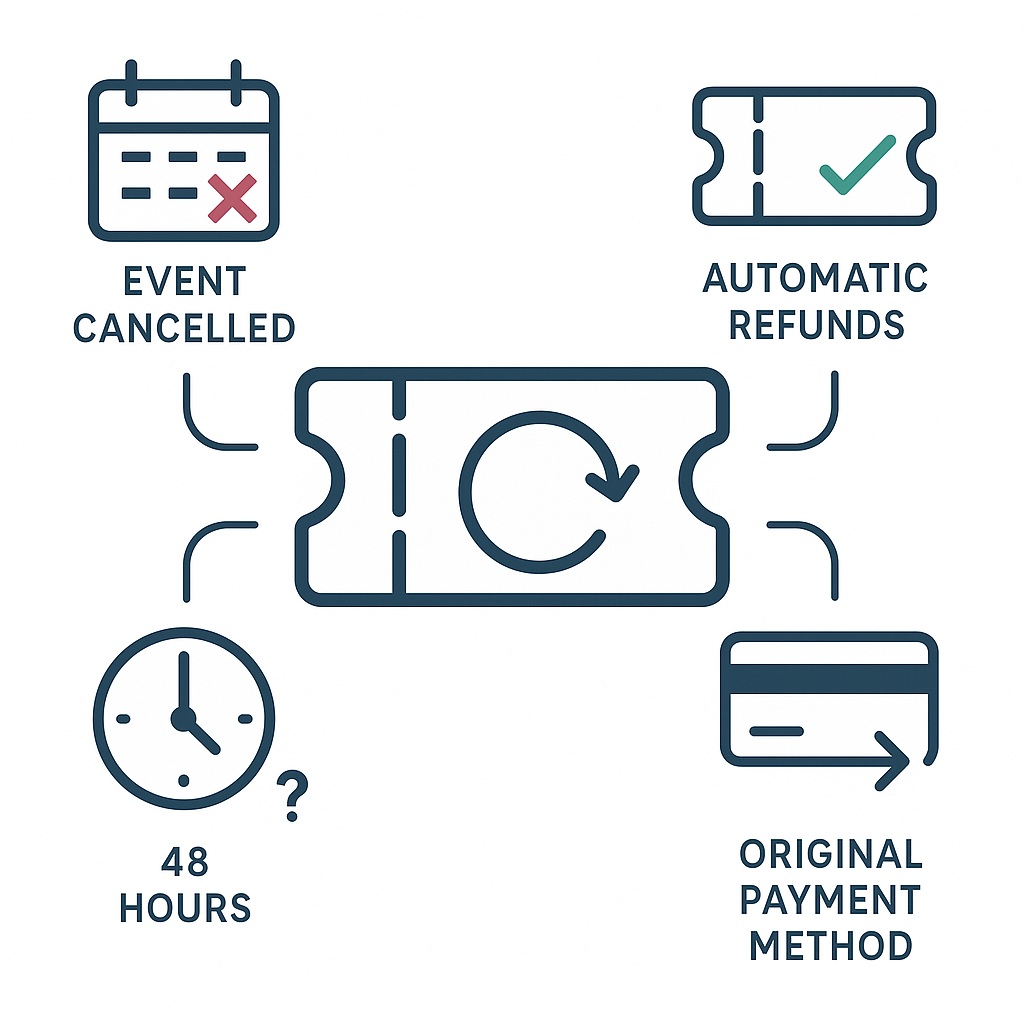
The biggest factor in whether you receive a refund is your location. Ticketweb Canada and Ticketweb USA operate under different rules.
| Feature | Ticketweb Canada | Ticketweb USA |
| Event Cancellations | Refunds are typically issued automatically, often including service fees. | Refunds are issued but service fees are often non-refundable. |
| Rescheduled Events | Refunds may be offered at organizer’s discretion. Otherwise, tickets remain valid. | Refunds are less common; most tickets are honored for the new date only. |
| Service Fees | Sometimes refunded if the event is canceled. | Usually non-refundable. |
| Refund Process | Online form plus customer support available. | Primarily self-service via website. Customer support is slower. |
| Processing Time | Faster, especially for major cancellations. | Longer, often requiring follow-ups. |
The differences largely stem from stricter consumer protection laws in Canada compared to the United States. Canadian customers often find it easier to secure full refunds, while US customers face more restrictions.
How to Get a Refund from Ticketweb?
If you’re looking for how to get a refund from Ticketweb, the process is straightforward if the event qualifies. Here are the detailed steps for both Canada and the USA.
Step-by-Step Process for Ticketweb Canada Refund:
- Log into your account at Ticketweb Canada
- Go to your order history and find the event ticket you want refunded.
- Click the refund option. It may appear as “Refund,” “Request Refund,” or “Submit Refund Request.”
- Fill out the form with your order number, ticket details, and payment method.
- Submit the request and wait for confirmation. Ticketweb usually emails you with updates.
- Check your bank or card account for the refunded amount. Refunds often take 5–10 business days.
If you encounter issues, contact Ticketweb customer support. They respond through email or the Ticketweb refund phone number.
Step-by-Step Process for Ticketweb USA Refund:
- Log into your account at Ticketweb USA
- Open your order history and select the event.
- Check the event’s terms. Refund eligibility depends on what the organizer allowed.
- Use the self-service refund form if available. Not all events have this.
- If no form appears, contact support with your order number.
- Wait for processing. Refunds in the USA can take longer, sometimes weeks.
Note: Always keep your confirmation email and order number handy, as support often requests them.
Common Issues with Ticketweb Refunds
While many refunds process smoothly, customers sometimes face challenges. Here are the most frequent problems and how to handle them.
- Refund not available
If the event organizer didn’t allow refunds, Ticketweb won’t process them. Unfortunately, Ticketweb follows the organizer’s terms strictly. Always review the refund policy listed on the event page before buying.
- Delayed refunds
Refunds can take longer than expected, especially in the US. If you haven’t received your money after 15 business days, follow up with customer support.
- Wrong refund amount
Sometimes, only the ticket price is refunded while service fees remain withheld. This is common in the US. In Canada, you may receive service fee refunds if the event was canceled, but not if you canceled voluntarily.
- Technical errors
Customers sometimes report website glitches when trying to submit refund requests. If this happens, take screenshots and email Ticketweb support directly.
Ticketweb Refund Phone Number and Support
If you run into problems, contacting support directly can help. While Ticketweb prefers customers to use their online forms, phone support is also available.
When calling at Ticketweb refund phone number, have your order number, ticket details, and payment method ready. Customer support typically asks for these to locate your order.
Other Support Options:
- Email: Use the online contact form on Ticketweb’s website.
- Help Center: Both Canadian and US websites have FAQs and troubleshooting guides.
- Social Media: Some customers report faster responses when contacting Ticketweb through Twitter or Facebook.
Guidelines for a Smooth Refund Experience
To increase your chances of receiving a Ticketweb refund without frustration, follow these best practices:
- Review refund terms before purchase. Each event lists refund conditions. Read them carefully.
- Save all communication. Keep order confirmations, emails, and screenshots of refund requests.
- Act quickly. Refund windows for rescheduled events may be short. Don’t delay your request.
- Follow up politely. If support delays, reach out again with your case number.
- Consider ticket insurance. Some buyers opt for cancellation insurance, especially for expensive tickets.
Getting a refund from Ticketweb depends on understanding their policies, which vary by country and by event. If you are in Canada, you often have stronger protections and a faster refund process. In the USA, refunds are more limited, and service fees are usually non-refundable.
FAQs
- Does Ticketweb refund tickets if an event is canceled?
- In most cases, Ticketweb automatically refunds the ticket price when an event is canceled. Service fee refunds depend on location. Canada often refunds them, while the US does not.
- Can you refund Ticketweb tickets if you cannot attend?
- Usually no. Ticketweb does not refund tickets for personal reasons like schedule conflicts or illness, unless the event organizer allows it.
- How long does a Ticketweb refund take?
- Refunds typically take 5 to 10 business days in Canada. In the US, it may take longer, sometimes up to 30 business days.
- Is there a Ticketweb refund ticket insurance option?
- Ticketweb itself does not sell insurance, but some events may offer third-party insurance during checkout.
- What if my refund request is denied?
- If denied, you can escalate by contacting Ticketweb support again or reaching out to the event organizer directly.