How to Sell Tickets on Ticketm...
Selling tickets for your favorite concerts or live events has become a simple process thanks to well...


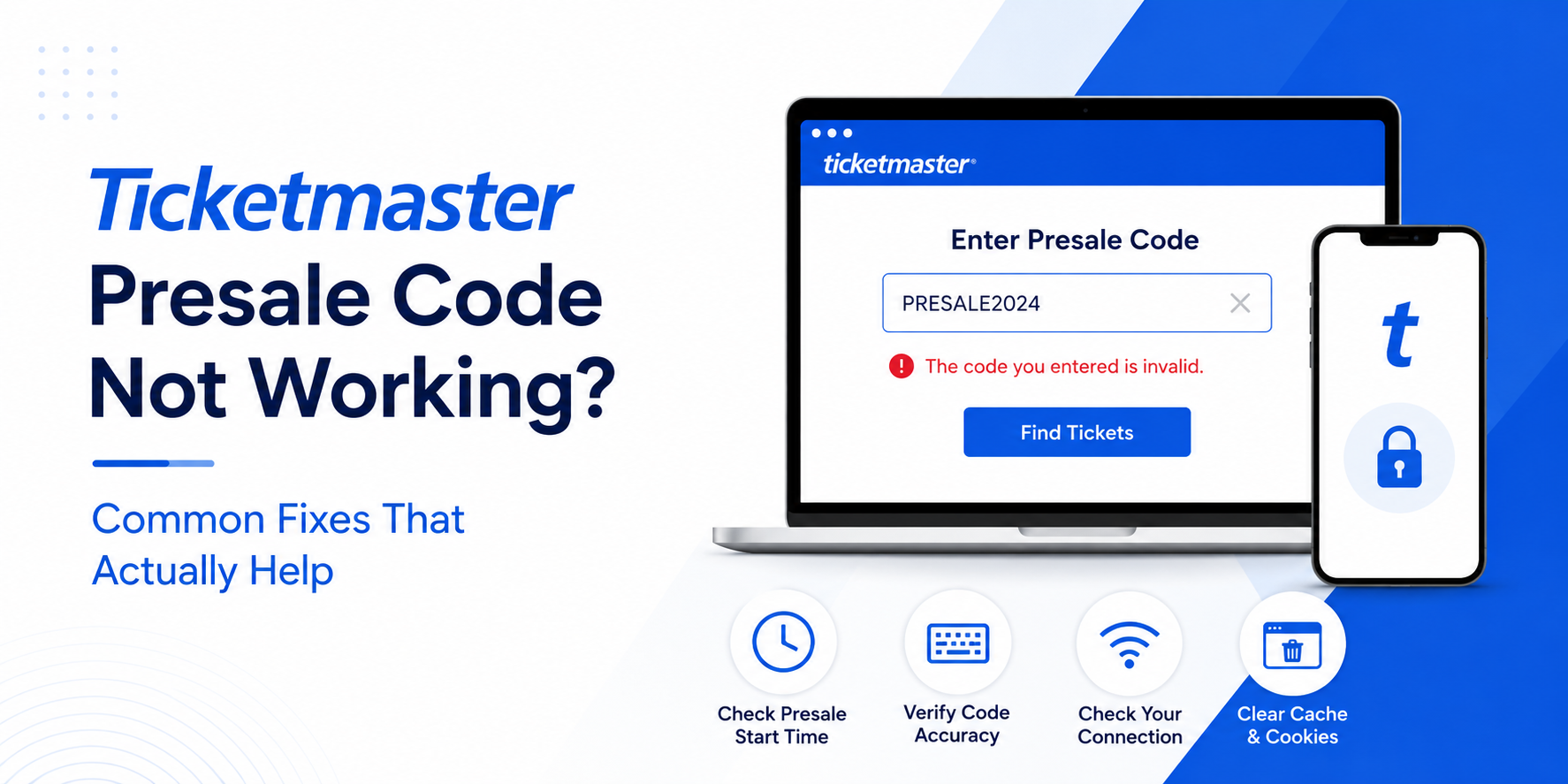
Your Ticketmaster presale code not working right when the presale opens is one of the most frustrating things that can happen to a music fan. You have waited weeks for this moment, you've got the code ready, and suddenly — invalid code, error page, or total lockout. Here's exactly what's going wrong and how to fix it fast.
Before fixing the problem, it helps to understand the system. A Ticketmaster presale code is an alphanumeric access key that unlocks ticket inventory before the general public sale opens. Think of it like a VIP door — without the right code, that door stays shut.
These codes come from several different sources: artist fan clubs, credit card companies like Citi or American Express, radio stations, venue newsletters, or the Ticketmaster Verified Fan program. Each code type has its own rules, its own time window, and its own access restrictions.
When you enter a presale code at checkout, Ticketmaster's system cross-references it against a database tied to that specific event. If anything is off — the timing, the account, the format — the system spits back an error. It's not personal. It's a very strict gatekeeper.
Key fact: Presale codes are event-specific, time-bound, and often account-specific. A code that works for the Chicago show will not work for the same tour's Dallas date.
When your Ticketmaster presale code not working problem hits, the fix usually comes down to one of a handful of fixable issues. But identifying which one is causing your problem right now — with the clock ticking — is the hard part.
Ticketmaster doesn't always surface a helpful error message. You might see "code invalid," "code already redeemed," or just a blank error state that tells you nothing. The actual cause could be completely different from what the message suggests.
Here's the truth: most Ticketmaster presale problems are user-side issues, not platform bugs. That doesn't mean Ticketmaster never glitches — it absolutely does, especially under load — but nine times out of ten, a quick fix on your end resolves it.
This is the single biggest culprit. Fans rush to enter their code the moment they get it, but if the presale hasn't officially opened yet, Ticketmaster's system will reject the code every single time.
Make sure you're converting the presale time to your local time zone. A 10 AM Eastern presale is 7 AM Pacific — an easy mistake to make at an early morning sale.
Use a time zone converter like timeanddate.com to verify the exact local kickoff time. Set a timer 5 minutes before and be in the queue — not just on the page.
Ticketmaster Verified Fan codes and fan club presale codes are linked to a specific email address. If you registered for presale alerts with one email but you're logged into Ticketmaster with a different one, the code will fail.
Log out completely. Log back in with the exact email address you used to sign up for the presale or register as a Verified Fan.
Hand-typing a presale code is risky. A lowercase L looks like a 1. An uppercase O looks like a 0. These tiny errors trigger a Ticketmaster code invalid error immediately.
Always copy the code directly from the source — your email, the artist's fan club page, or your credit card portal. Then paste it into the code field without adding any leading or trailing spaces.
Some presale codes are single-use. Once used — by you or by someone who got the same code — they're done. If a code was shared publicly on social media or through a fan forum, it may have been burned long before you had a chance to use it.
A presale code issued for a specific show date won't work on the general event page or a different date of the same tour. Navigate directly to the exact event page for the correct city, venue, and date. Double-check the URL before entering your code.
|
Problem |
Likely cause |
Severity |
Fix |
|
Code shows "invalid" |
Typo, wrong account, or presale not open yet |
Medium |
Copy-paste code; check time zone; confirm account email |
|
Code shows "already redeemed" |
One-time use code; previously shared publicly |
High |
Contact issuer (artist fan club, credit card) for a new code |
|
Page freezes in queue |
Browser cache, extensions, or server load |
Medium |
Clear cache; disable extensions; refresh once |
|
Authentication error on login |
Session conflict or cookie issue |
Medium |
Log out, clear cookies, log back in fresh |
|
Code works but no tickets available |
Presale inventory sold out |
High |
Watch for releases; try general sale or resale platforms |
|
App crashes or glitches |
Outdated app version or overloaded servers |
Medium |
Update app; switch to desktop browser |
|
Code rejected due to location |
Region or venue restriction applied |
High |
Confirm your region matches event requirements; disable vpn |
|
Queue error or session timeout |
Extended wait or inactivity |
Low |
Don't leave the tab; stay active; keep the window in focus |
The Ticketmaster Verified Fan program is supposed to put tickets in the hands of real fans, not bots. In practice, it works well — but it creates its own set of frustrations.
If you got a Verified Fan code in your email, it is tied to your specific account. Using it on a friend's account or a family member's login will not work. Period. The system checks account-level eligibility before unlocking the inventory.
Also important: receiving a Verified Fan code doesn't guarantee you'll get tickets. It grants access to the presale queue, and if that queue empties before you reach checkout, you're out of luck — code or no code.
Common mistake: Forwarding your Verified Fan email to a friend so they can "use your code." The code is account-bound. It won't work on any account other than the one that registered.
A Live Nation presale code functions through the same Ticketmaster infrastructure, since Live Nation owns Ticketmaster. Most issues that affect Ticketmaster presales apply equally here.
Artist fan club codes sometimes come with extra restrictions. They might be limited to a specific number of tickets per account, available only through the official Ticketmaster app, or tied to fan club membership tiers. If your artist fan club code isn't working, check:
Ticketmaster app issues are more common than people realize, especially during high-traffic presale events. The app may time out, fail to load the code entry field, or crash entirely under server load.
For any major presale, the desktop browser is more reliable. Use Chrome or Firefox with all extensions disabled. Safari can behave oddly with Ticketmaster's queue system on some events.
If you insist on the app, do these things before the presale starts:
Never use browser autofill for presale codes. Autofill sometimes adds invisible characters or reformats the code, causing an immediate invalid code error even when the underlying code is correct.
Using a VPN is one of the fastest ways to get yourself kicked out of a Ticketmaster presale queue. Ticketmaster's bot detection system is aggressive, and VPN traffic — especially from shared IP addresses — looks identical to scalper bot traffic.
If your IP is flagged, you may see a Ticketmaster authentication error, an endless queue that never moves, or an outright session block. The fix is simple: disable the VPN before you even open Ticketmaster, not just before you enter the code.
The same applies to browser extensions like ad blockers or privacy shields. Some interfere with Ticketmaster's queue JavaScript in ways that silently break the experience. Disable all extensions for the presale tab, or use a clean incognito window.
Ticketmaster queues open before tickets go on sale. Many fans enter the queue on time but then navigate away, open a second tab, or let the screen go to sleep — all of which can break their session.
Keep these rules in mind:
Some presales are geographically restricted. If an artist is running a regional presale — say, for North American dates only — and you're attempting to access it from an international IP or through a proxy, the code will fail.
Similarly, venue-specific presale codes issued by an arena or stadium are tied to that venue's event listing only. These will not transfer to any other event.
Confirm the presale window is currently open in your local time zone. A 3-hour presale window that started at 10 AM ET is closed by 1 PM ET.
Use the exact email address your presale code was sent to. Close all Ticketmaster tabs, log out fully, then log back in fresh.
In Chrome: Settings → Privacy → Clear browsing data → Check Cookies and Cached images → Clear. Then return to Ticketmaster.
Open a fresh incognito or private window. Log in and try the code again. This bypasses most cached session issues.
Turn these off completely before entering Ticketmaster — not just before the code entry step.
Go directly to the email or source page containing your presale code. Select the code, copy it, and paste it into the Ticketmaster code field without adding spaces.
If Chrome isn't working, try Firefox. If Firefox fails, try the Ticketmaster mobile app on a fresh login. Each switch resets your session environment.
If the quick fixes above haven't resolved your Ticketmaster presale not working situation, go deeper:
Pro tip: Follow the artist's official social accounts during the presale. Artists and venues often announce code corrections, presale window extensions, or additional codes when there are widespread Ticketmaster unlock code problems.
The frustration of a failed presale is real — but it's also a great learning moment. Here's how experienced ticket buyers stack the odds in their favor:
Sometimes the issue is on Ticketmaster's side, and no amount of browser clearing or VPN disabling will fix it. Contact Ticketmaster fan support when:
Reach out through Ticketmaster's official help center or their Twitter/X account, which often has faster response times during active presale events than the standard support queue.
Document everything. Before contacting support, screenshot the error message, note the exact time you attempted to use the code, and confirm the event name and date. This speeds up resolution significantly.
A Ticketmaster presale code not working situation is stressful — especially when tickets to a show you've been anticipating for months are disappearing by the minute. The good news is that the fix is almost always something simple and fixable within minutes if you know where to look. how to sell tickets on Ticketmaster
Start with the quick fixes: right time zone, right account, right event page, no VPN, no extensions, cache cleared. Most people who follow that checklist get through successfully. For the rare platform-side issue, Ticketmaster support and official social channels are your best escalation path. Ticketmaster keeps me logging me out
Good luck out there. May your queue time be short, your code work on the first try, and your seats be exactly where you wanted them.
The most common reasons include entering the code before the presale window opens, using the wrong account email, a typo or capitalization error, or the code already being redeemed. Start by clearing your browser cache, double-checking the exact code, and confirming the presale time zone.
Yes. Presale codes are valid only during the designated presale time window. Enter the code before it opens or after it closes, and it will appear invalid — even if the code itself is perfectly correct.
A Ticketmaster invalid code error typically means the code was entered during the wrong time window, used on a different account than the one registered, already redeemed, or contains a typo. Check all four before contacting support.
No. Ticketmaster Verified Fan codes are sent only to pre-registered fans who passed the screening algorithm. Each code is tied to your specific account and cannot be shared with or used by anyone else.
Yes. VPN traffic often triggers Ticketmaster's fraud detection, causing your session to be blocked or your code to be rejected. Disable your VPN completely before entering a presale queue.
Confirm the code was sent to the email linked to your Ticketmaster account. Clear cookies, switch browsers, and make sure you're on the correct venue and date. If issues persist, contact Live Nation or Ticketmaster fan support directly.
Yes, outdated app versions and cached data are common culprits. Force-close the app, clear the cache, update to the latest version, and try again. For high-demand presales, a desktop browser is typically more reliable.
Log out completely, clear your browser cookies and cache, log back in fresh, and re-enter your presale code. If the Ticketmaster authentication error keeps appearing, try a different browser or an incognito window with all extensions disabled.
Selling tickets for your favorite concerts or live events has become a simple process thanks to well...
If Ticketmaster keeps logging you out right before a presale, during checkout, or while waiting in t...