How to Sell Tickets on Ticketm...
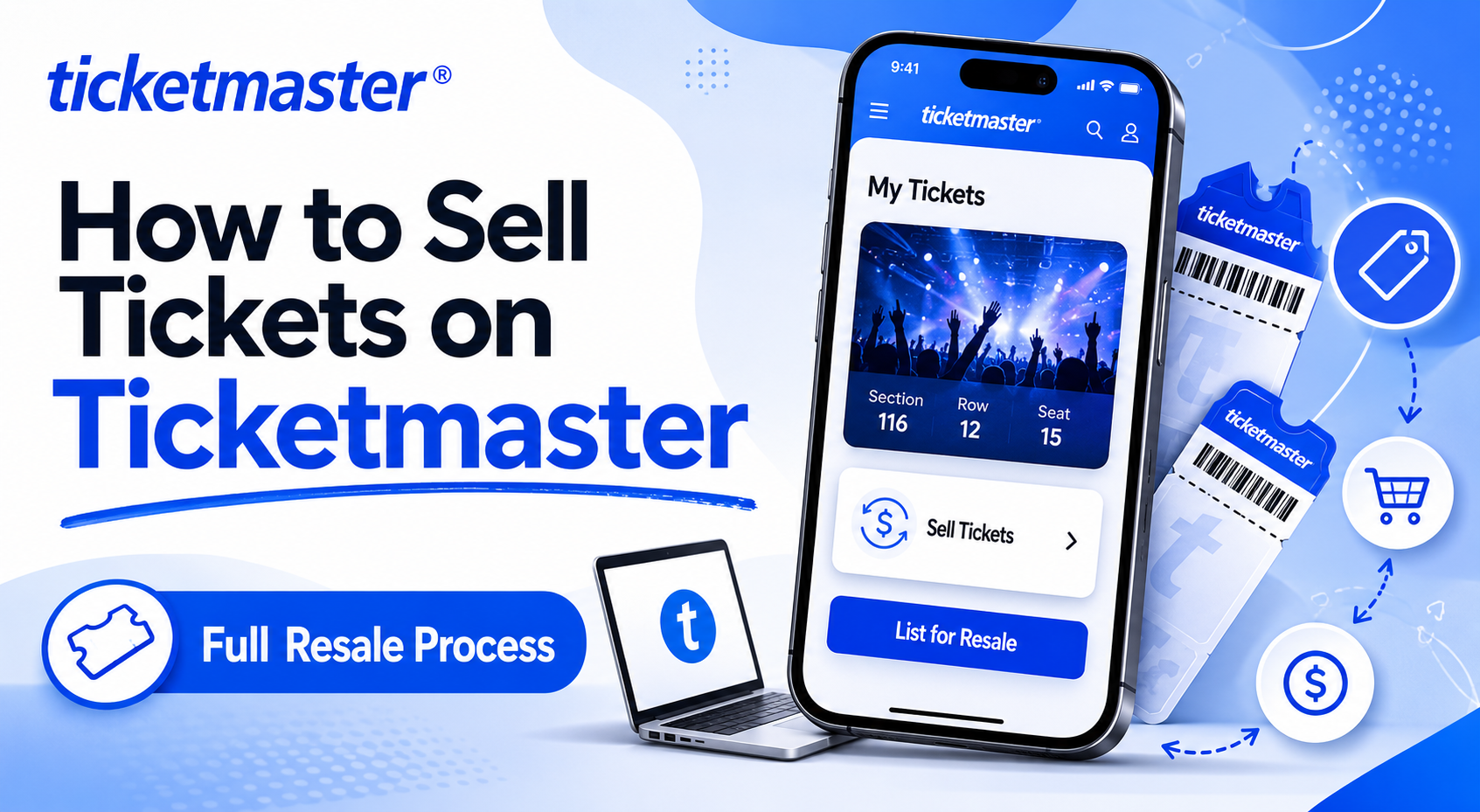
Selling tickets for your favorite concerts or live events has become a simple process thanks to well...


If Ticketmaster keeps logging you out right before a presale, during checkout, or while waiting in the queue, you are definitely not the only one dealing with it. “Ticketmaster keeps me logging me out” has become a common frustration for users trying to secure high-demand tickets. Thankfully, most logout problems are linked to simple issues that can be fixed in just a few minutes.
Ticketmaster's login system is built around session tokens — small pieces of data stored in your browser or app that tell the server you're authenticated. When that token gets deleted, corrupted, or rejected, you get kicked out instantly.
The platform also runs automated security layers that monitor for unusual patterns. A sudden IP change, a blocked cookie, a VPN flag, or too many simultaneous sessions can all trigger an automatic logout. It's not always a bug — sometimes it's Ticketmaster doing exactly what it's designed to do.
But "designed behavior" doesn't make it less frustrating, especially when you're in a queue for Taylor Swift tickets and the timer is running.
Ticketmaster keeps logging users out because of expired session cookies, IP address changes, VPN interference, aggressive browser privacy settings, or security flags triggered by unusual login activity. Clearing cookies and disabling VPNs resolves most cases.
|
Problem |
Most Likely Cause |
Fix |
Difficulty |
|
Logged out on every browser refresh |
Cookies blocked or deleted on exit |
Allow cookies for Ticketmaster in browser settings |
Easy |
|
App keeps logging out after phone lock |
Background data restriction |
Enable background data / app refresh |
Easy |
|
"Session expired" error mid-purchase |
IP address changed or VPN active |
Disable VPN, stay on same network |
Easy |
|
Logged out after being idle 10–15 min |
Short session timeout + inactivity |
Don't leave tabs idle; use the app instead |
Easy |
|
Can't log in — account locked |
Security flag / suspicious activity |
Reset password + contact support |
Medium |
|
Logged out across all devices at once |
Multiple simultaneous sessions |
Log out everywhere, then back in on one device |
Medium |
|
Login loop — keeps redirecting |
Corrupt app data or browser cache |
Reinstall app or clear all site data |
Medium |
|
No fix works, still getting kicked out |
Account-level issue or server outage |
Contact Ticketmaster support directly |
Harder |
If you're hitting this issue on Chrome, Firefox, Edge, or Safari, the browser itself is usually the culprit. Here's how to narrow it down fast.
This is the single most common cause of Ticketmaster not staying logged in on a browser. Most modern browsers have privacy settings that automatically clear cookies when you close a tab — or block third-party cookies entirely.
Ad blockers, cookie managers, and tracker blockers (uBlock Origin, Privacy Badger, Ghostery) are notorious for breaking Ticketmaster sessions. They intercept authentication tokens and treat them like tracking cookies.
Open your extensions panel and disable them just for Ticketmaster.com. You don't have to remove them permanently — whitelist the site instead.
If logging in works fine in incognito mode but fails in your regular browser, a conflicting extension or corrupted browser profile is to blame. You now know exactly where to dig.
Chrome and Safari have the best compatibility with Ticketmaster's platform. If you're using a niche browser or an older version of Firefox, switch temporarily to confirm the issue is browser-specific.
A corrupt or bloated cache can break authentication silently. You won't see an obvious error — Ticketmaster just keeps booting you out, and you have no idea why. A proper cache and cookie clear usually ends this cycle.
Clearing all browser cache works too, but this targeted method avoids logging you out of every other website in the process.
Always clear cache before a major ticket sale — not during. Starting a high-demand sale with clean cookies prevents unexpected session drops mid-queue.
The Ticketmaster mobile app is generally more stable than the browser for maintaining logins — but it has its own set of issues. Most are related to app cache corruption, background data restrictions, or outdated app versions.
Don't tap "Delete App" on iPhone if you want to preserve saved payment info — use "Offload App" instead. Deleting wipes everything stored locally.
This one trips up a lot of people. Ticketmaster tracks your IP address as part of session validation. If you're on a VPN and your IP changes mid-session — or if the VPN routes you through a datacenter IP that Ticketmaster has flagged — you'll get logged out instantly.
Ticketmaster authentication problems caused by network switches are especially brutal during presales. Your session drops silently and you rejoin the queue at the back. Switch to a stable, direct connection and stay on it throughout.
Ticketmaster's anti-bot system is aggressive — and it sometimes flags legitimate users by mistake. If the platform detects unusual behavior, it can force logout across all sessions or temporarily lock the account.
If you receive a "suspicious activity" email from Ticketmaster, change your password immediately and enable two-factor authentication. Someone else may be attempting to access your account.
If resetting your password doesn't work and you're completely locked out, here's how to recover your Ticketmaster account without losing your ticket history.
Support agents can override security locks on your account manually. This process takes anywhere from a few minutes to a few hours depending on queue volume.
Before spending time troubleshooting your end, check downdetector.com/status/ticketmaster to confirm the platform isn't having a wider outage. During major on-sales, Ticketmaster servers experience real strain — and that can manifest as forced logouts or authentication loops even on perfectly healthy accounts.
Ticketmaster doesn't have a native "sign out of all sessions" button — but you can simulate it. Reset your password (this invalidates all active session tokens), then log back in on just one device. This clears any ghost sessions that might be conflicting.
Sometimes Ticketmaster sends a "We've signed you out for security" or "Your session was ended" email. This gives you direct clues about what triggered the logout — whether it was a security flag, a terms violation detection, or a manual admin action on your account.
For persistent Ticketmaster browser issues, the native app is more reliable. Session handling in the app is managed differently — tokens are stored in secure on-device storage rather than browser cookies, making them harder to accidentally delete.
Once you've fixed the immediate issue, a few habits will keep it from coming back.
For high-demand presales: log in the evening before, confirm you're still authenticated the morning of the sale, and keep the app open rather than the browser. Stack the odds in your favor.
If you've tried every fix above and Ticketmaster keeps logging you out, there's likely an account-level issue that requires a human to resolve. Contact Ticketmaster support directly if you're still being logged out after a password reset, your account appears locked with no explanation, you've lost access to tickets in your account, or you suspect unauthorized access.
If Ticketmaster keeps logging me out every time I try to buy tickets, my first move is always the same: clear site cookies, kill the VPN, and switch to the app. That combination alone fixes around 80% of cases.
The other 20% almost always ties back to a security flag or a conflict with an extension. Work through the steps in this guide systematically and you'll land on the fix — usually faster than you'd expect. How to Sell Tickets on Ticketmaster
Ticket buying is already stressful enough. Don't let a login bug cost you your spot in queue.
The most common reasons are expired session cookies, a blocked cookie setting in your browser, an active VPN that changes your IP mid-session, or a security flag triggered by unusual login behavior. Clearing cookies and disabling VPNs resolves most cases immediately.
On iPhone, offload and reinstall the app, then enable Background App Refresh. On Android, clear the app cache from Settings → Apps → Ticketmaster and make sure background data is turned on. Update the app to the latest version in both cases.
Yes — this is one of the most common triggers. Ticketmaster validates your session against your IP address. A VPN changes that IP (sometimes multiple times in one session), which the system reads as suspicious activity and responds with a forced logout.
Session expiry happens after inactivity, IP changes, or when the platform detects a change in your device fingerprint. Keeping the app active (rather than backgrounding it for long periods) and staying on a stable network reduces session drops significantly.
Yes. Ticketmaster's security system monitors for simultaneous sessions. If it detects logins from different devices or locations at the same time, it can force all of them to log out. Use one device per session, especially during high-demand sales.
Go to Chrome Settings → Privacy and Security → Cookies and other site data. Ensure "Clear cookies and site data when you close all windows" is toggled off. Then add Ticketmaster.com to the list of sites allowed to save cookies. Disable any privacy extensions for the site as well.
Start with the "Forgot Password" flow on ticketmaster.com. If that doesn't unlock your account, contact Ticketmaster support at help.ticketmaster.com. Have your account email and a recent order number ready — live chat resolves account locks faster than email tickets.
Generally yes. The native app stores session tokens in secure on-device storage rather than browser cookies, which makes them significantly less likely to be deleted by system cleaning tools or browser privacy settings. For important ticket purchases, the app is the safer choice.
Selling tickets for your favorite concerts or live events has become a simple process thanks to well...
Your Ticketmaster presale code not working right when the presale opens is one of the most frustrati...